
Свадебные фото с ИИ
Free AI wedding photo generator—upload bride and groom portraits to create a full bridal album with scenes, outfits, and moods.
Загрузить парные фото и создать
Загрузите чёткие портреты невесты и жениха отдельно.
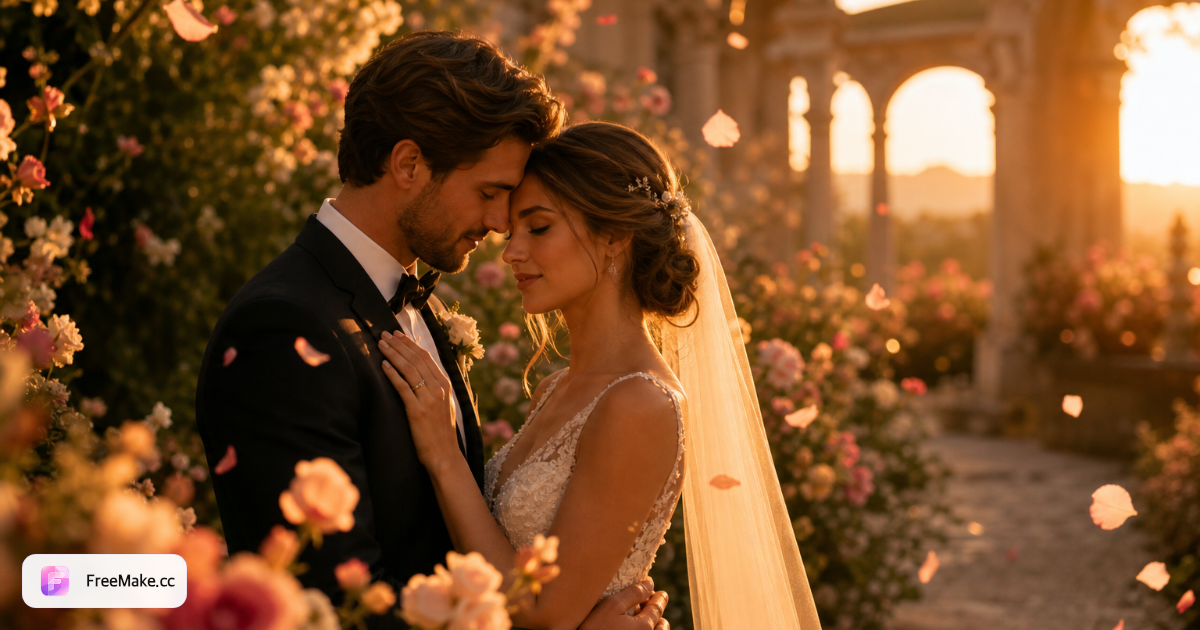
Настройка свадебного стиля
Каждый вариант включает предпросмотр настроения, чтобы вы могли оценить образ до генерации.
Как создать свадебные фото с ИИ онлайн
FreeMake.cc — бесплатный онлайн-генератор свадебных фото с ИИ. Загрузите отдельные портреты невесты и жениха, настройте сцену, город, погоду, настроение и наряды, затем создайте полный editorial-набор — четыре изображения за запуск — для альбомов, приглашений и соцсетей.
Загрузить отдельные портреты невесты и жениха
Используйте чёткие фронтальные фото с равномерным освещением. Избегайте сильных фильтров, чтобы черты оставались естественными во всём наборе.
Выбрать сцену, город, погоду и настроение
Выберите из пресетов сада, города, пляжа и студии. Ползунки погоды и настроения направляют освещение от золотого часа до кинематографической драмы.
Выбрать стили платья и образа жениха
Западные платья, традиционные образы или минималистичная современная одежда. Миниатюры предпросмотра помогают почувствовать итоговое направление до генерации.
Сгенерировать, проверить и скачать набор
Скачайте отдельные кадры или весь альбом. Используются платные/бонусные кредиты аккаунта, общие с генерацией на главной.
Зачем использовать свадебные фото с ИИ
Настоящие свадебные съёмки дороги и зависят от погоды. Наборы с ИИ помогают парам предпросмотреть стили, создать save-the-date материалы или контент для соцсетей до большого дня.
Изучите стили перед бронированием фотографа
Тестируйте сцены и сочетания гардероба за минуты вместо планирования нескольких предсвадебных консультаций.
Создать контент для объявлений
Создайте согласованные парные изображения для Instagram, WeChat и макетов приглашений с единым цветом и настроением.
Платите только при генерации
Подписка не нужна — покупайте за альбом, когда конфигурация вас устраивает.
FreeMake.cc vs традиционные свадебные съёмки
Свадебные наборы с ИИ дополняют — не заменяют — профессиональную фотографию. Сравните процесс и стоимость на ранних этапах планирования.
| Фактор | FreeMake.cc AI | Студийная съёмка | Мобильные приложения |
|---|---|---|---|
| Время выполнения | Минуты | Недели (бронирование + обработка) | Минуты |
| Изучение стилей | Много пресетов | Один образ за сессию | Ограниченные фильтры |
| Сохранение идентичности | На основе референса | Естественная фотография | Часто стилизовано |
| Гарантии готовности к печати | Проверить перед печатью | Профессиональная доставка | Различается |
| Модель стоимости | Оплата за набор | Высокая стоимость сессии | Freemium / реклама |
Вывод и рекомендации
Скачиваются JPG высокого разрешения для цифровых альбомов и соцсетей. Для больших принтов уточните требования DPI в типографии.
Всегда получайте согласие обоих партнёров перед генерацией или публикацией изображений с их образом.
- Загрузите хорошо освещённые портреты без солнцезащитных очков и экстремальных ракурсов
- Используйте свадебный инструмент для bridal-стилизации; парный — для casual романтических сцен
- Используйте инструменты для документов или LinkedIn только для ID-кадрирования — не для свадебного editorial
- Перегенерируйте с другими пресетами настроения, если освещение кажется плоским
FAQ: свадебные фото с ИИ
- Сколько фото нужно загрузить?
- Загрузите чёткий портрет невесты и жениха, чтобы начать генерацию.
- Сколько изображений за одну генерацию?
- Каждый запуск создаёт полный свадебный набор с разными ракурсами и композициями.
- Можно ли выбрать сцены и наряды?
- Да — настройте сцену, город, погоду, настроение, платье невесты и образ жениха.
- Изменит ли это моё лицо?
- Модель стремится сохранить естественность черт и тона кожи — используйте качественные фронтальные портреты.
- Как устроена оплата?
- Используются те же кредиты аккаунта, что и на главной; каждый запуск расходует платные или бонусные кредиты — ежедневные бесплатные кредиты не принимаются.
- Чем это отличается от фото на документы?
- Свадебные наборы — editorial-портреты; инструмент для документов выдаёт фиксированные размеры на однотонном фоне.
- Можно ли использовать результаты в коммерческих целях?
- Соблюдайте наши условия и местное законодательство — получайте согласие при использовании образов других людей.
- Что делать, если результат не понравился?
- Измените настройки стиля и сгенерируйте заново или загрузите лучше освещённые референсные портреты.
Гайды и тематические хабы
Подробные гайды и подборки инструментов для этого сценария.
Другие бесплатные инструменты
Другие утилиты FreeMake.cc в браузере — быстрые ссылки.