
Produkt-Hauptbild (Amazon)
Vorher · 4.2 MB
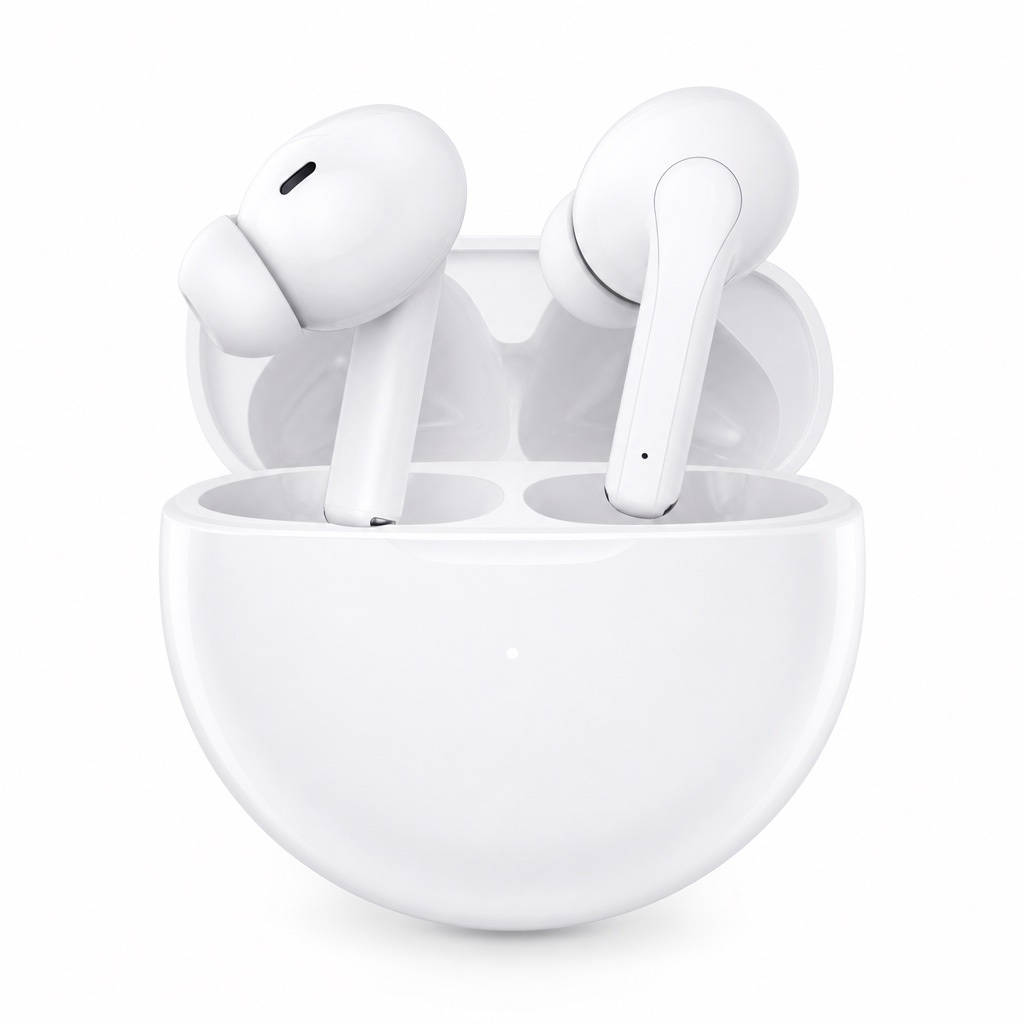
Nachher · 820 KB (↓80%)
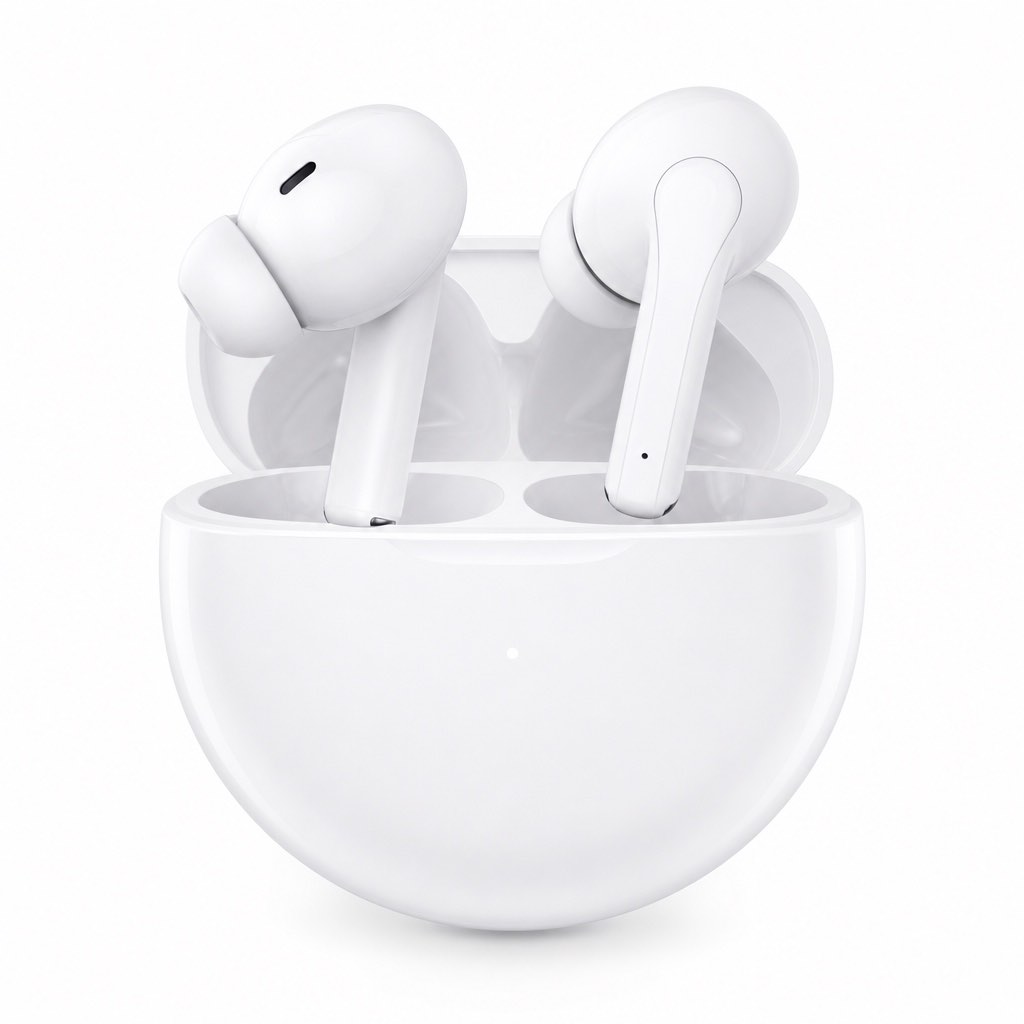
Bei 75 % intelligenter Komprimierung kaum sichtbarer Qualitätsverlust.
Für Verkäufer, Marketer & Shop-Betreiber weltweit
Autor: FreeMake.cc Imaging-TeamZuletzt aktualisiert:
Lokal komprimieren, Vorher/Nachher vergleichen, dann herunterladen — Dateien verlassen nie Ihr Gerät
Referenzen: Google PageSpeed Einblicke · WebP-Komprimierungsleitfaden
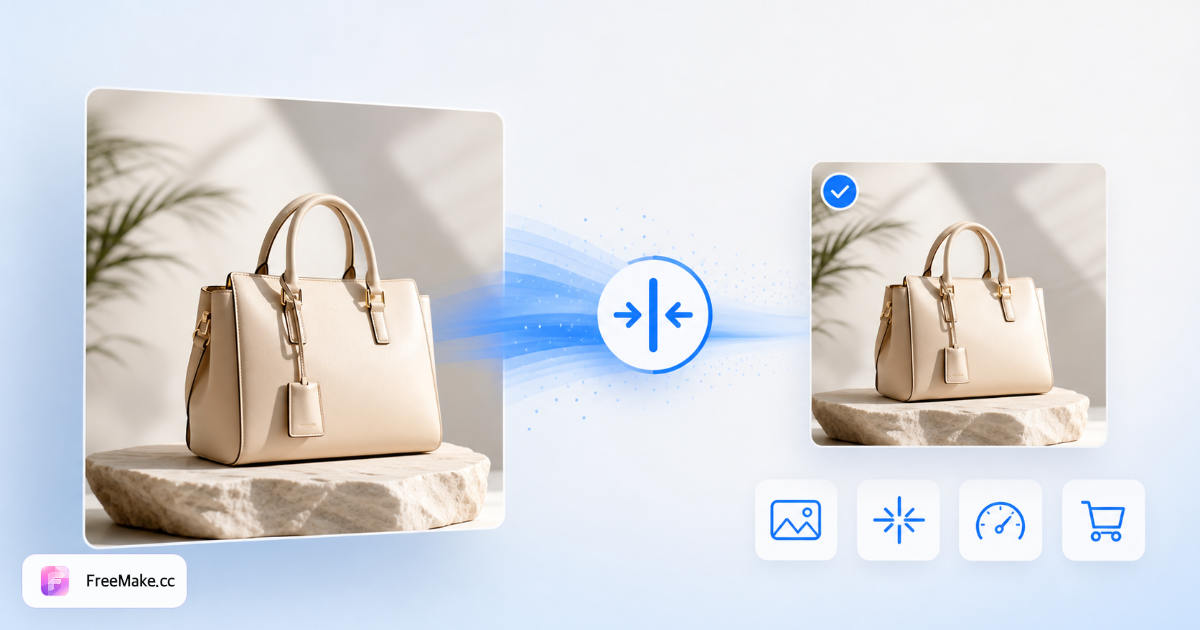
Vorher/Nachher aus FreeMake.ccs Browser-Kompressor — gleiche Optik, kleinere Dateien, schnellere Uploads.
Vorher · 4.2 MB
Nachher · 820 KB (↓80%)
Bei 75 % intelligenter Komprimierung kaum sichtbarer Qualitätsverlust.
Vorher · 2.8 MB

Nachher · 510 KB (↓82%)

Scharfe Kanten bei optimiertem Seitengewicht.
FreeMake.cc komprimiert PNG-, JPG- und WebP-Dateien vollständig in Ihrem Browser — ideal, wenn Marktplatz-Uploads zu große Produktfotos ablehnen. Sie erhalten einen Vorher/Nachher-Schieberegler, Batch-Support für bis zu zehn Bilder und ZIP-Export, wenn jede Datei Ihr Größenziel erreicht.
Ziehen Sie bis zu zehn PNG-, JPG- oder WebP-Dateien in den Arbeitsbereich. Amazon-, Shopify- und eBay-Verkäufer stoßen oft an Dateigrößen-Limits bei Hero-Bildern; hier starten vermeidet fehlgeschlagene Uploads. Nichts wird an einen Server gesendet — die Verarbeitung bleibt auf Ihrem Gerät.
Der Smart-Modus maximiert die Größenreduktion für Listings und Detailseiten. Near-lossless behält mehr Pixeldaten für Logos oder retuschierte Assets. Für E-Commerce bieten 70–85 % Qualität meist das beste Verhältnis aus Schärfe und Dateigröße.
Nutzen Sie den Side-by-Side-Schieberegler, um Text, Kanten und Stoffstruktur zu prüfen, bevor Sie exportieren. Zoomen Sie in Etiketten und Nähte bei Bekleidungsfotos — Komprimierungsartefakte zeigen sich hier, nicht erst nach der Veröffentlichung.
Exportieren Sie Dateien, die Ihre visuelle Prüfung bestehen, und laden Sie sie in Seller Central, Shopify oder Ihr Shop-CDN hoch. Wenn Dimensionen noch nicht konform sind, als Nächstes skalieren oder den Compliance-Checker nutzen.
Kleinere Bilder laden schneller, ranken besser in mobilen Shops und erfüllen strenge Marktplatz-Dateilimits. Lokale Komprimierung hält Lieferantenfotos und unveröffentlichte SKUs privat, während Sie Launch-Assets vorbereiten.
Viele Kanäle begrenzen einzelne Bilder auf 5–10 MB. Komprimieren Sie zuerst, um Upload-Fehler bei Bulk-Listing-Workflows zu vermeiden. Sie behalten die Bildqualität und bleiben innerhalb der Plattform-Limits.
Leichtere Produktgalerien verbessern Largest Contentful Paint auf Mobilgeräten. Schnellere Seiten senken die Absprungrate bei langsamen Verbindungen — besonders für internationale Käufer mit Mobilfunkdaten.
Anders als Cloud-Kompressoren erhält FreeMake.cc nie Ihre Dateien. Das ist wichtig für unveröffentlichte Produkte, Kunden-Vorschauen und Großhandels-Katalogfotos, die Sie noch nicht teilen möchten.
Ein 4,2-MB-Handyfoto landet bei 75–80 % Smart-Komprimierung oft bei 800 KB–1,2 MB — genug für viele Amazon- und Shopify-Limits ohne sichtbare Unschärfe auf Verpackungsfotos.
Alle vier Tools verkleinern Bilddateien, aber Datenschutz, Batch-Workflow und Vorschau unterscheiden sich. FreeMake.cc ist für Verkäufer gebaut, die lokale Verarbeitung und Side-by-Side-Qualitätsprüfungen brauchen.
| Funktion | FreeMake.cc | TinyPNG | Compressor.io |
|---|---|---|---|
| Lokale Browser-Verarbeitung | Ja — kein Upload | Nein — Cloud-Upload | Gemischt — oft serverseitig |
| Batch bis 10 Bilder | Ja | Im Free-Tier begrenzt | Je nach Tarif |
| Vorher/Nachher-Vorschau-Schieberegler | Ja | Begrenzt | Einfache Vorschau |
| PNG / JPG / WebP Support | Ja | Ja | Ja |
| Kostenlos ohne Anmeldung | Ja | Free-Tier mit Limits | Kostenlos mit Werbung/Limits |
| Typisches 4 MB → ~1 MB Listing-Ergebnis | Smart-Modus 70–85 % | Ähnlicher Bereich | Je nach Modus |
| Verknüpfte Skalierung & Compliance | Gleiche Seite | Manuell | Manuell |
FreeMake.cc komprimiert PNG, JPG/JPEG und WebP — die Formate, die die meisten E-Commerce-Plattformen für Produktgalerien akzeptieren. PNG eignet sich für Grafiken mit Transparenz; JPG ist Standard für foto-lastige Listings; WebP hilft auf der eigenen Website, wenn Browser es unterstützen.
Workflow-Tipp: Zuerst auf Marktplatz-Dimensionen skalieren, dann komprimieren. Diese Reihenfolge verschwendet keine Qualität für Pixel, die Sie verwerfen. Kombinieren Sie mit dem Compliance-Checker, bevor Sie Hero-Bilder bei Amazon oder Shopify einreichen.
Vertiefende Guides und kuratierte Tool-Sammlungen zu diesem Workflow.
Ja. Der Bildkompressor von FreeMake.cc ist kostenlos und ohne Anmeldung. Komprimieren Sie PNG-, JPG- und WebP-Dateien direkt in Ihrem Browser.
Nein. Die gesamte Komprimierung läuft lokal in Ihrem Browser. Ihre Produktfotos und Design-Assets verlassen nie Ihr Gerät.
Wie TinyPNG nutzen wir intelligente Komprimierung zur Dateiverkleinerung. Anders als viele Online-Tools erfolgt die Verarbeitung zu 100 % lokal — kein Upload nötig — und Sie können bis zu 10 Bilder im Batch mit Vorher/Nachher-Schieberegler bearbeiten.
PNG, JPG/JPEG und WebP. Laden Sie bis zu 10 Bilder gleichzeitig hoch, sehen Sie die Ergebnisse in der Vorschau und laden Sie einzeln oder als ZIP herunter.
Für E-Commerce-Listings bieten 70–85 % Qualität meist das beste Verhältnis aus Dateigröße und Schärfe. Nutzen Sie den Vorher/Nachher-Schieberegler, um zu prüfen, ob Text und Kanten scharf bleiben.
Kleinere Bilder laden schneller und verbessern Core Web Vitals (besonders LCP). Schnellere Seiten ranken oft besser und konvertieren stärker in mobilen Shops.
Ja. Zuerst komprimieren, um Dateigrößen-Limits einzuhalten, dann bei Bedarf skalieren oder den Compliance-Check für Dimensionsregeln nutzen.
Bis zu 10 Bilder pro Durchlauf. Laden Sie einzeln oder als ZIP herunter, wenn alle Dateien verarbeitet sind.
Zuerst auf Marktplatz-Pixel skalieren, dann komprimieren. Dimensionen vor der Komprimierung verkleinern spart Qualität für Pixel, die Sie ohnehin verwerfen.
Ihre Bilder sind komprimiert. Schließen Sie die Marktplatz-Vorbereitung mit dieser Pipeline ab:
Amazon-, Shopify- oder Etsy-Pixelvorgaben vor dem Upload anpassen.
Abmessungen, Format und Dateigröße gegen Marktplatzregeln prüfen.
GPS- und Kamera-EXIF für Datenschutz und kleinere Dateien entfernen.
Alle benötigten Größen in einem Batch exportieren, wenn Ihr Listing Varianten braucht.
Ergebnis: optimierte, dimensionierte, konforme Bilder – bereit zum Veröffentlichen.
Entdecken Sie weitere browserbasierte Tools auf FreeMake.cc—alle verlinkt für einen schnellen Zugriff.