
Pour les designers et les équipes d'impression qui ont encore besoin d'EPS
PNG/JPG vers EPS – Gratuit
Auteur : Équipe imaging FreeMake.ccDernière mise à jour :
Suivi local avec téléchargement EPS
- Tracer des bitmaps en chemins PostScript
- Traitez jusqu'à 10 images
- Traitement 100 % local
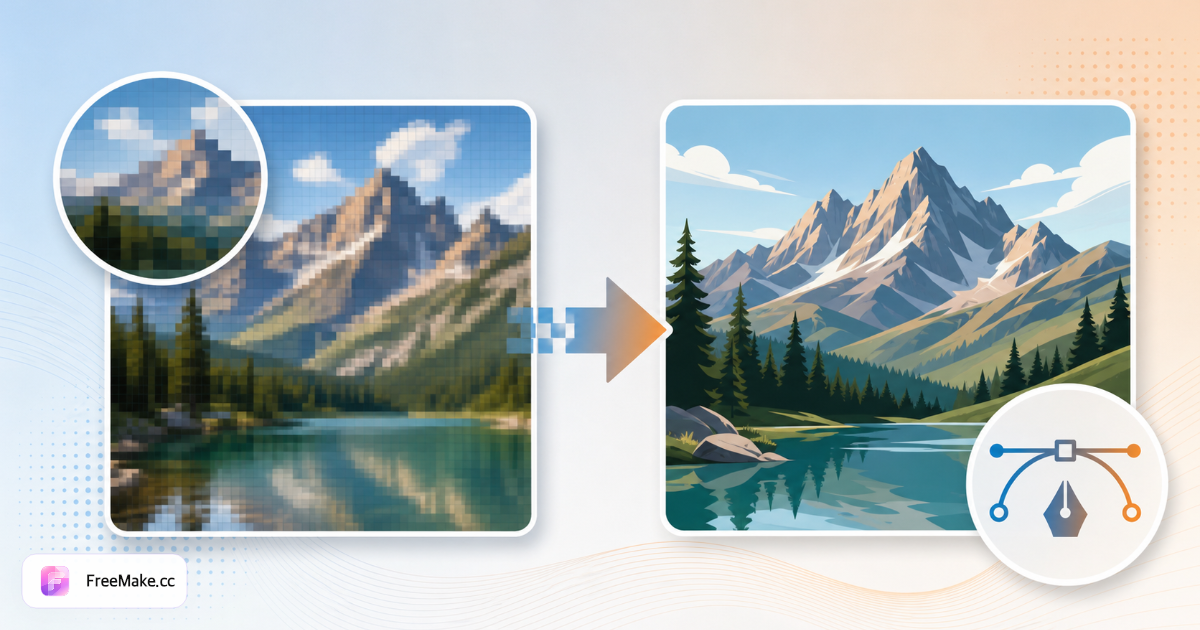
Comment convertir un bitmap en EPS pour l'impression
Les imprimeurs et les pipelines Illustrator hérités exigent souvent des contours vectoriels EPS au lieu de logos PNG. FreeMake.cc bitmap-to-eps trace des œuvres d'art plates en EPS localement avec un aperçu dans le navigateur, idéal pour les épreuves d'emballage et les présentations de marque en gros.
Téléchargez un logo ou un graphique plat PNG/JPG
Les marques de marque à fort contraste se tracent mieux. Supprimez d'abord les arrière-plans photographiques chargés—EPS est pour les vecteurs, pas pour les photos de produits.
Exécuter le traçage vectoriel vers EPS
Aperçu de la fidélité du chemin sur les lettres et les symboles de marque déposée. Le petit texte peut nécessiter une simplification ou une retouche manuelle dans Illustrator après l'exportation.
Télécharger EPS pour le transfert au fournisseur
Envoyez aux imprimeurs d'emballages, aux ateliers de broderie ou aux acheteurs de détail nécessitant des actifs de marque vectoriels accompagnés de photographies SKU.
Archiver le maître PNG séparément
Conservez les originaux raster pour les listes de commerce électronique tandis que l'EPS sert à l'impression. Agrandissez les petits logos avant de les tracer si les pixels source sont inférieurs à 500 px de large.
Pourquoi l'EPS est-il toujours important pour le merchandising ?
Les vendeurs numériques en premier touchent toujours à l'emballage physique, aux étiquettes suspendues et aux bannières de salons professionnels. EPS fait le lien entre les flux de travail JPG d'Amazon et les exigences des imprimeries.
Emballage et cartes d'insertion
Les usines demandent des logos EPS pour les estampages à chaud et les boîtes découpées—tracez à partir des kits de marque PNG approuvés sans attendre les agences de design.
Professionnalisme de la fiche de vente en gros
Les logos vectoriels sur les PDF B2B se redimensionnent proprement à côté des tableaux de produits—les logos raster ont un aspect amateur lors des présentations pour acheteurs en grand format.
Trace locale avant le rebranding public
Les rebrandings discrets restent sur la machine jusqu'au jour du lancement—aucune copie de marque confidentielle dans le cloud.
FreeMake.cc contre CloudConvert, Convertio et Illustrator Trace
CloudConvert télécharge des sources pour l'exportation EPS sur serveur. Illustrator Image Trace est la référence en matière de qualité mais est uniquement disponible sur desktop. FreeMake.cc propose un EPS rapide dans le navigateur pour des logos simples.
| Feature | FreeMake.cc | CloudConvert | Illustrator |
|---|---|---|---|
| Exportation de Bitmap vers EPS | Oui — navigateur | Server | Application de bureau |
| Logo / focus sur l'art plat | Yes | General | Professional |
| Option de traitement local | Yes | No | Yes |
| Photo en EPS | Non recommandé | Possible | Possible |
| Exportation rapide gratuite | Yes | Limited | Subscription |
EPS vs Formats SVG et AI
EPS (PostScript encapsulé) reste courant avec les anciens RIP d'impression et les fournisseurs d'emballage. SVG sert le web moderne ; l'IA est native d'Adobe Illustrator—choisissez EPS lorsque la fiche technique du fournisseur le demande explicitement.
Tracez à partir de PNG avec un fond transparent après avoir supprimé le fond pour des bords plus nets. La photographie de produits doit rester en JPG—ne jamais convertir les photos en EPS pour les héros Amazon.
- EPS — impression, broderie, pipelines de fournisseurs hérités
- SVG — thèmes web lorsque EPS n'est pas requis
- IA — édition supplémentaire dans Illustrator (outil .ai)
- Entrée du logo PNG — transparent, haute contraste
FAQ sur la conversion de Bitmap en EPS
Exporter les notes
- Qu'est-ce que l'EPS ?
EPS (Encapsulated PostScript) est un format vectoriel largement utilisé dans l'impression et les anciens outils de publication assistée par ordinateur.
- Le fichier EPS est-il modifiable ?
Les chemins sont exportés en tant que formes remplies. Les modifications complexes sont plus faciles dans des applications vectorielles dédiées après importation.
- Besoin d'un SVG à la place ?
Utilisez le convertisseur SVG pour le web et les outils de design modernes.
- Pourquoi exporter en EPS ?
L'EPS est courant pour les fournisseurs d'impression et les pipelines Illustrator plus anciens ayant besoin de contours vectoriels.
- SVG ou AI à la place ?
Utilisez SVG pour le web ou AI pour les fichiers Illustrator natifs.
- Photo à EPS ?
Il n'est pas recommandé d'utiliser des photos en JPG/PNG. EPS convient aux logos et aux graphiques plats.
- Arrière-plans transparents ?
Retirez d'abord l'arrière-plan pour des bords vectoriels plus propres sur les logos.
- Soutien par lots ?
Traiter les fichiers un à la fois avec un aperçu avant le téléchargement.
Plus d'outils gratuits
Autres utilitaires navigateur sur FreeMake.cc — liens rapides.