
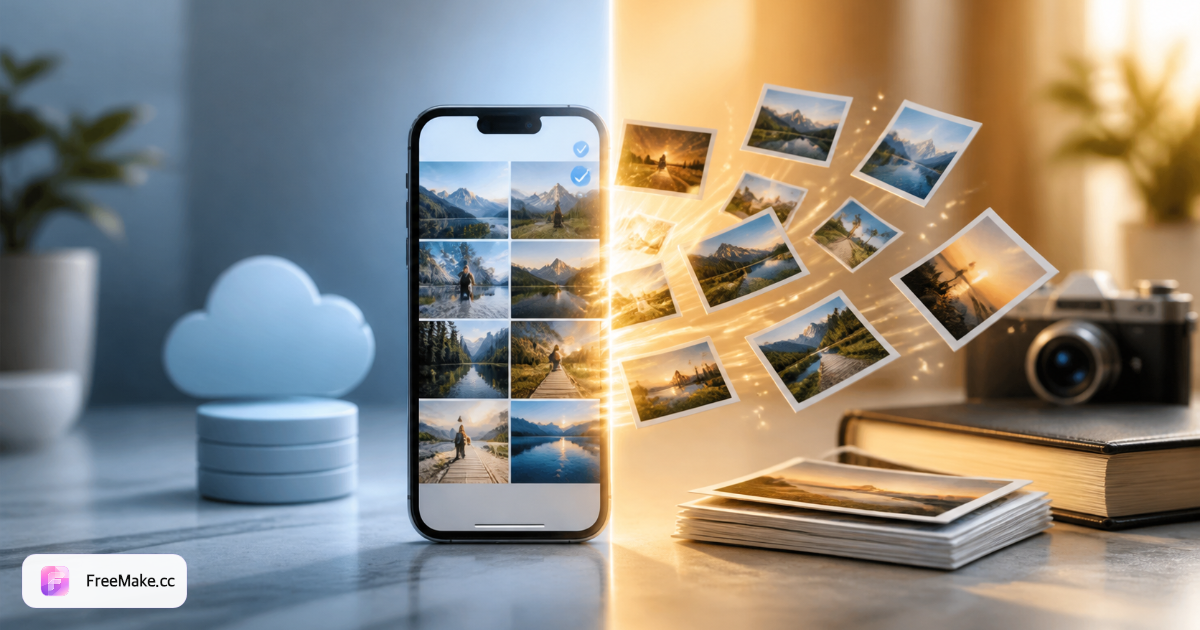
HEIC vs JPG by use case
| Use case | HEIC | JPG | Winner | Action |
|---|---|---|---|---|
| iPhone storage | ~50% smaller files | Larger per photo | HEIC | Keep HEIC on device |
| Email / Slack / WhatsApp | Often no preview | Universal preview | JPG | Convert before send |
| Windows PC editing | Needs codec or convert | Opens in any editor | JPG | Convert on receipt |
| Amazon / Shopify / eBay | Upload rejected | Required format | JPG | Convert then resize |
| Print lab | Varies by lab | Safest default | JPG | Export JPG before order |
| Long-term Apple archive | Native in Photos / iCloud | Works but wastes space | HEIC | Keep unless sharing out |
Decision scenarios: keep HEIC or export JPG
Seller shoots on iPhone, edits listing photos on a PC
Storage on iPhone is efficient in HEIC, but every listing upload and Windows edit step expects JPEG.
- Keep HEIC in Apple Photos for personal archive — do not mass-convert on import.
- When a SKU is ready to publish, export those shots to JPG once.
- Resize and compress JPGs for the store — not the HEIC masters.
- Upload JPEG to Seller Central or Shopify only at the end of the chain.
Family group chat — Android users can't see iPhone photos
HEIC looks fine on the sender's iPhone; Android recipients get a blank preview or a download they can't open.
- Pick the photos to share before converting — not the entire camera roll.
- Convert selected HEIC files to JPG in the browser.
- Send JPG in WhatsApp or LINE — universal preview returns.
- Keep HEIC in iCloud if you still want space savings locally.
Print shop portal asks for JPG only
The lab's upload form rejects HEIC even though the photo looks perfect on your phone screen.
- Export one test JPG from the HEIC master at high quality.
- Upload the test to the lab proofing page and check crop margins.
- Batch-convert the rest of the order once the test passes.
- Store the lab-approved JPGs — not re-encoded copies from social apps.
5 HEIC vs JPG myths
"JPG is always lower quality"
At the same visual quality, HEIC is smaller — not sharper. Converting HEIC to JPG at high quality preserves detail for web and print; you mainly gain compatibility, not lose a generation if you export once.
"Convert everything immediately after import"
If photos stay in Apple Photos and you don't share externally, keeping HEIC saves iCloud space. Convert on export, not on import.
"HEIC and HEIF are different problems"
HEIF is the container standard; .heic is Apple's common extension. For practical purposes, the same compatibility rules apply as HEIC vs JPG.
"Changing iPhone to JPG fixes old files"
Most Compatible only affects new shots. Existing HEIC library stays HEIC until you convert those files.
Using the same guide for Windows errors and format choice
Can't open a file on PC? See our Windows HEIC guide. Choosing a default format for your workflow? You're in the right place. For platform-by-platform fixes, read the HEIC to JPG guide.
HEIC vs JPG FAQ
- Is HEIC better than JPG?
- HEIC is better for storage efficiency on Apple devices. JPG is better for universal compatibility. Neither is "better" in absolute terms — it depends where the file goes next.
- Does converting HEIC to JPG reduce quality?
- Re-encoding always involves compression, but a high-quality HEIC→JPG export is visually identical for web and most print uses. Avoid repeated save cycles in editors.
- What quality setting should I use for JPG export?
- 90–95% is a practical default for product and social use. For Amazon main images, convert to JPG then compress under file-size limits with our compress tool.
- Can I batch convert without uploading?
- Yes. FreeMake.cc processes up to 10 HEIC files in the browser and returns JPG or a ZIP — no account required.
- How much smaller is HEIC in real albums?
- Apple cites roughly half the size at similar visual quality, but savings vary by scene. Measure your library if iCloud billing depends on it — don't convert everything by default.
- Do social apps keep HEIC metadata?
- Many messengers transcode uploads anyway. Convert to JPG yourself when you care about predictable previews; let HEIC stay in Photos for storage.
Convert HEIC when JPG is the right call
Use the free HEIC to JPG converter first, then resize or run compliance checks for Amazon and Shopify.
Related reading
- HEIC to JPG Guide — Fix iPhone Photos That Won't Open
HEIC saves space on iPhone but breaks on Windows PCs, Android previews, and most marketplace uploads. Convert locally to JPG — no upload, batch 10 photos.
- How to Open HEIC Files on Windows 11
If double-clicking an iPhone photo shows "Windows can't open this file," you're dealing with HEIC — not a corrupt image. Here are three fixes, ranked by reliability for teams.
- Amazon Image Size Guide 2026
Every Amazon image size requirement in one place — with free browser tools to resize, audit, and compress before upload.