
For listing teams, bulk sellers & campaign ops worldwide
Resize Image Online Free
Author: FreeMake.cc Imaging TeamLast updated:
Batch resize to marketplace pixel specs—Amazon, Shopify & Etsy presets included
- Amazon, Shopify, Etsy each have size rules — tap a preset, skip the docs
- Lock aspect ratio so products never look stretched
- Export 10 images as ZIP — built for multi-SKU listing workflows
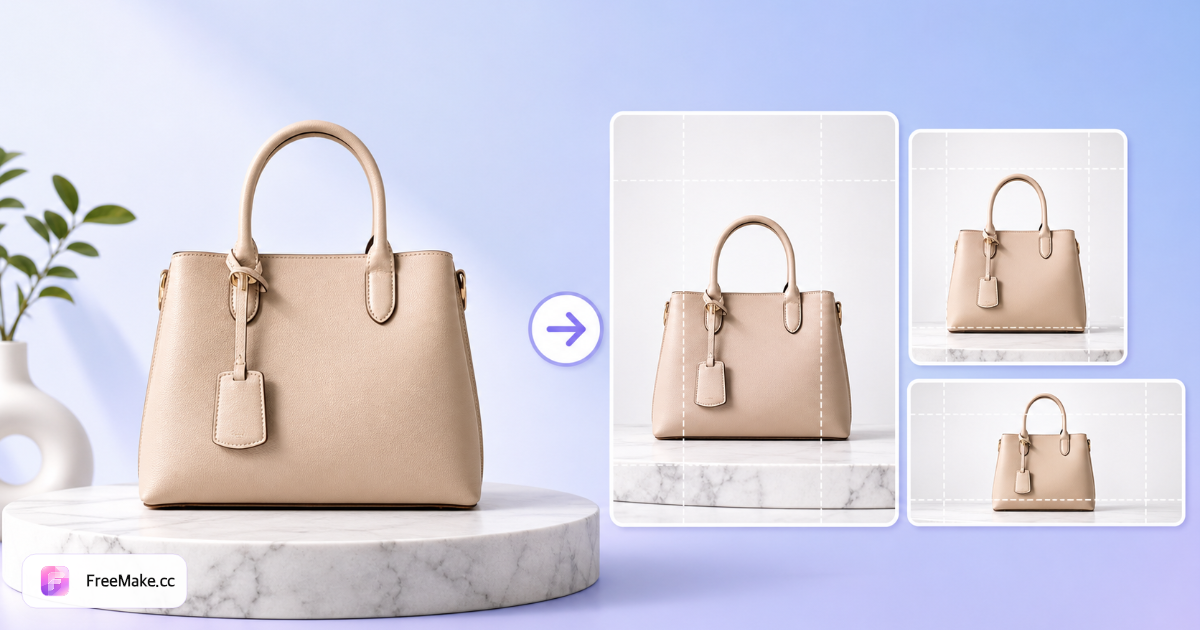
References: Amazon image requirements · Shopify product media
Marketplace size presets, one click
Built-in Amazon, Shopify, Etsy, eBay, and TikTok Shop presets—export listing-ready sizes locally.
How to Resize Images for Amazon & E-commerce
Exact pixel dimensions matter—Amazon often expects 2000×2000 px hero images while thumbnails render much smaller. FreeMake.cc resizes up to ten images locally with marketplace presets, so you hit spec without Photoshop.
Upload listing or catalog photos
Add PNG or JPG files—batch up to ten for variant colorways or catalog refreshes. Start from the highest-resolution source you have to avoid upscaling blur.
Enter pixels or pick a marketplace preset
Choose Amazon, Shopify, or custom width×height. Longest-side minimums (e.g., 1600 px) are common—set dimensions before compressing so you do not shrink twice.
Preview sharpness after resize
Downscaling is usually crisp; upscaling small phone photos may soften details. If enlargement is required, try the upscaler tool on marginal sources first.
Download and validate compliance
Export files, then run the compliance checker for aspect ratio, file size, and white-background hints. Compress last if dimensions are correct but MB limits fail.
Why Pixel-Perfect Sizing Wins Listings
Undersized images look soft in zoom view; oversized files slow uploads and fail validation. Resizing in-browser keeps your pipeline fast and private.
Pass marketplace dimension checks
Seller Central and Shopify flag images below minimum pixels. Resize once to spec instead of guessing in bulk upload spreadsheets.
Standardize supplier chaos
Wholesale packs arrive in mixed sizes. Batch resize to one template so every SKU looks consistent in search grids.
Local batch without cloud queues
Ten images process on your device—no account, no upload wait—ideal for launch-day crunch before a promotion goes live.
FreeMake.cc vs Bulk Resize Photos, Photopea & iLoveIMG
Bulk resizers are fast but often upload files. FreeMake.cc combines marketplace presets with local processing and ties into compress and compliance tools.
| Feature | FreeMake.cc | Bulk Resize Photos | iLoveIMG |
|---|---|---|---|
| Amazon / Shopify presets | Yes | Generic sizes | Generic sizes |
| Local browser resize | Yes | Upload required | Upload required |
| Batch 10 images | Yes | Yes | Limited free |
| Multi-size export integration | Yes — linked tool | Separate step | Separate step |
| Free, no signup | Yes | Yes with limits | Ads on free tier |
Sizing Guidelines for Sellers
Amazon main images commonly target 2000×2000 px square with the product filling ~85% of the frame—verify Seller Central for your category. Shopify recommends flexible sizes but benefits from consistent squares for collection grids.
Resize before compress: changing dimensions after heavy compression can amplify artifacts. For multiple channel sizes from one master, use multi-size export after cropping a clean 1:1 source.
- 2000×2000 px — common Amazon hero target
- 1600 px longest side — frequent minimum before upscale
- JPG output — standard for photo listings after resize
- PNG — graphics and transparency preserved when downsampling
Guides & topic hubs
Deep-dive guides and curated tool collections related to this workflow.
Image resizing FAQ
- What size should Amazon product images be?
Amazon recommends at least 1000 px on the longest side; many sellers use 2000×2000 px for HD zoom. Our Amazon preset sets 2000×2000 automatically.
- Can I resize multiple images at once?
Yes. Upload up to 10 images, set width and height (or pick a platform preset), then download all results as a ZIP.
- Will resizing stretch my product photos?
Enable 'Lock ratio' to keep the original aspect ratio and avoid distortion. Turn it off only when you need exact non-proportional dimensions.
- Are images uploaded when I resize?
No. Resizing runs locally in your browser. Your listing photos never leave your device.
- What size for Amazon main images?
Many sellers use 2000×2000 px or longer side ≥1600 px. Check Seller Central for your category’s latest rules.
- Will resizing blur my product photo?
Downscaling is usually sharp. Upscaling small sources may look soft—try the upscaler for better enlargement.
- Can I export multiple sizes at once?
Yes—use bulk multi-size export for common marketplace dimensions in one run.
- Should I resize before or after compression?
Resize to target dimensions first, then compress to meet file-size limits.
From resize to published listing
Your image is resized. Complete these steps before you upload:
- Image Compliance Checker
Run a compliance check on the new dimensions and format.
- Image Compressor
Compress to meet file-size caps without visible quality loss.
- Remove EXIF Metadata
Remove EXIF metadata before bulk marketplace upload.
Result: listing images that are the right size, compliant, and fast-loading.
More free image tools
Explore other browser-based utilities on FreeMake.cc—all linked for quick access.