
Social cover → 2×2 quad carousel
Original

Grid tile preview
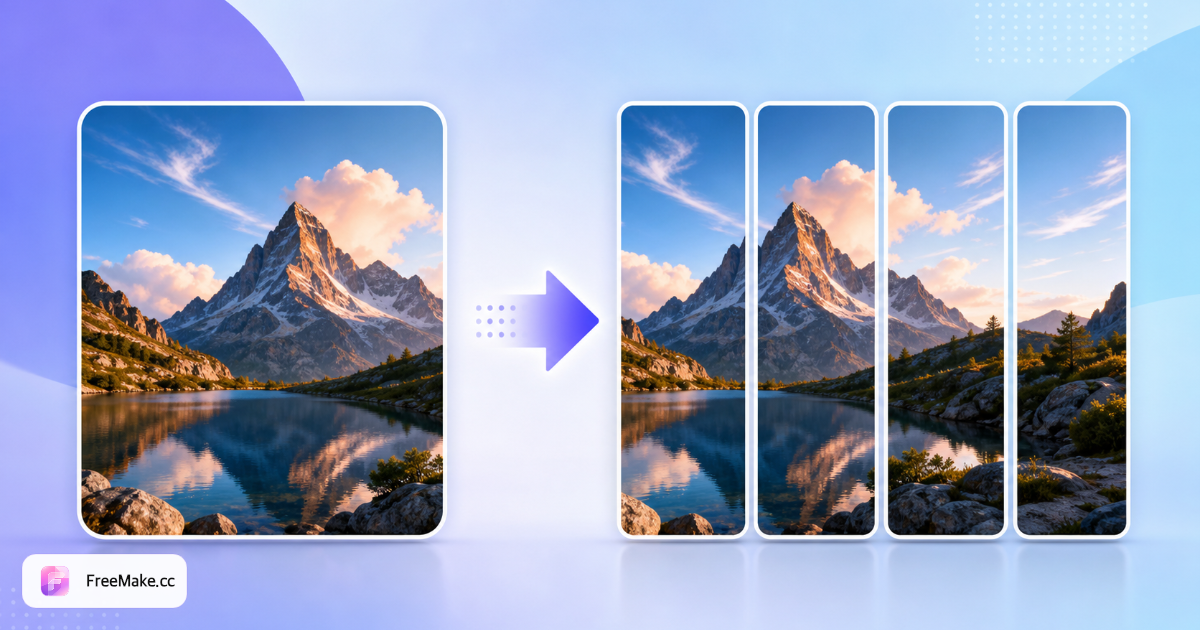
2×2 makes four equal tiles—great for four-image Instagram carousels.
For designers, social media managers, sellers & content creators
Last updated:
Upload one photo, pick a preset or custom columns×rows (e.g. 5×3), and get equal grid tiles in seconds—preview all slices and ZIP download.
Before-and-after from FreeMake.cc's local splitter—presets or custom columns×rows, full-grid preview & ZIP export.
Original
Grid tile preview
2×2 makes four equal tiles—great for four-image Instagram carousels.
Original

Grid tile preview

3×3 makes nine tiles—classic nine-grid social puzzle posts.
Original

Grid tile preview
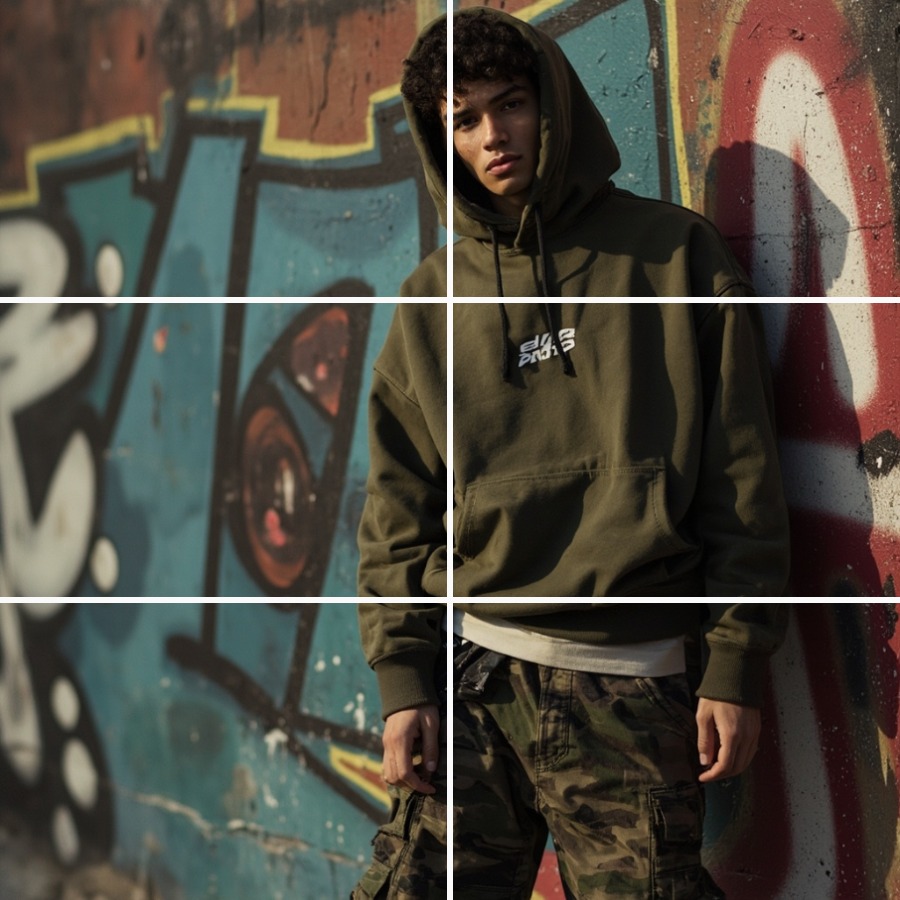
2×3 makes six vertical strips—detail page sections & tutorial steps.
FreeMake.cc divides one photo into equal preset or custom grid tiles in your browser—preview every slice and ZIP download for social carousels.
Carousel puzzles work best at 1:1. Use 2×3 or custom 1×6 for tall strips. Centered subjects with even margins reassemble cleanly.
Common: 2×2 quad, 3×3 nine-grid, 2×3 strips, 4×4 dense. For special layouts tap Custom—enter columns and rows (1–12 each, max 64 tiles total).
The result view shows the full grid with numbered tiles—confirm alignment before download.
PNG files are numbered FreeMake.cc-01, FreeMake.cc-02, etc. Upload to Instagram, X or other platforms in sequence to rebuild the full image.
Local privacy, multiple grid presets and ZIP batch export speed up social puzzle posts.
See every slice numbered in the preview—avoid missing tiles or wrong posting order.
No saving images one by one—ZIP contains every numbered PNG ready for your posting workflow.
Photos never leave your device—safe for unreleased campaigns and client assets.
One-tap 2×2, 3×3, 2×3, 4×4—or custom 1–12 columns×rows for 5×5, 1×8 and other non-standard puzzles.
Choose a preset by platform and density, or use custom columns×rows.
4 tiles—great for four-image carousels and simple quad layouts.
9 tiles—classic social nine-grid puzzle posts.
6 tiles—tall posters, tutorial steps or vertical carousel strips.
16 tiles—fine-grained puzzles, pixel-style reveals or step-heavy tutorials.
Tap Custom and enter columns and rows (1–12 each, max 64 tiles)—e.g. 5×5 lesson steps, 1×7 long carousel, 7×2 wide strips.
Quick answers about grid splits, social posting & ZIP export.
An image splitter divides one photo into equal rows and columns. A 2×2 grid makes four tiles (top-left, top-right, bottom-left, bottom-right); 3×3 makes nine. FreeMake.cc runs entirely in your browser—ideal for carousel and puzzle posts.
Upload your image, select the 2×2 grid, and click Process. You'll get four equal PNG tiles with a full-grid preview. Click Download ZIP to save all four at once.
Numbers are columns × rows. 2×2 = 4 tiles (quad carousels), 3×3 = 9 (nine-grid), 2×3 = 6 vertical strips, 4×4 = 16 dense tiles. If presets don't fit, use Custom to enter any column×row combo.
No. Splitting, preview and ZIP packaging all happen locally in your browser—files never leave your device.
Every grid tile as a PNG with a numbered filename (e.g. FreeMake.cc-01.png, FreeMake.cc-02.png), ordered left-to-right, top-to-bottom for easy sequential posting.
Yes. Split with 2×2 or 3×3, then upload tiles in order (FreeMake.cc-01 through FreeMake.cc-n) as a multi-image post—the full picture reassembles in the feed. Square sources align best.
Completely free, no signup, no watermarks on exported tiles.
Tiles are cropped directly from your source—no recompression. Each slice keeps the original pixel quality within its region.
Yes on modern mobile browsers. Large images work best on desktop Chrome or Safari for preview and ZIP download.
Crop to square or compress first, then split. Convert format after export if needed. For a fixed 3×3 workflow, try our nine-grid cropper too.
Tap Custom in the grid options, then enter columns and rows (1–12 each). For example, 5×3 makes 15 equal tiles—the UI shows "5×3 · 15 tiles" live. Total tiles are capped at 64; reduce columns or rows if exceeded. Click Split image to preview the full custom grid and ZIP download every PNG.
Explore other browser-based utilities on FreeMake.cc—all linked for quick access.