
For contracts, reports & editable docs
PDF to Word Converter – Free
Author: FreeMake.cc Imaging TeamLast updated:
Extract text from PDF and download as .docx
- Works best on text-based PDFs (not scanned images)
- Preserves page breaks and paragraph structure
- Download editable .docx for Word / Google Docs
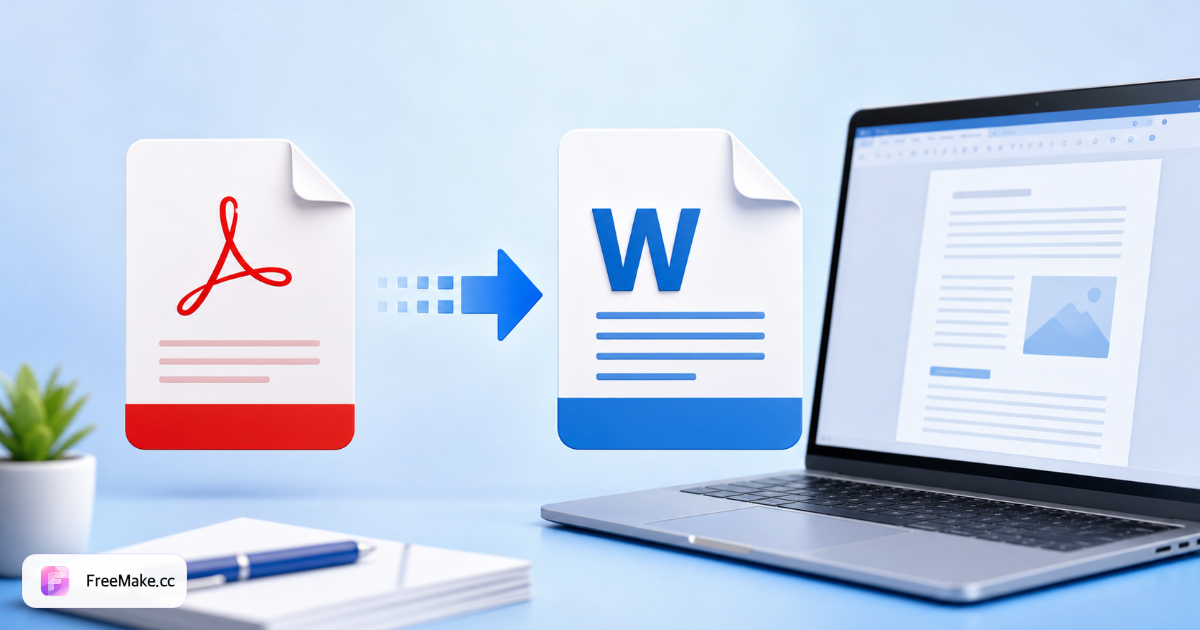
How to Convert PDF to Word (DOCX) Online
Supplier contracts, invoice corrections, and spec updates trapped in PDF need editable DOCX. FreeMake.cc pdf-to-word extracts text and layout for quick fixes in Microsoft Word or Google Docs—check privacy notes for server processing on DOCX export.
Upload the PDF document
Born-digital PDFs with selectable text convert best. Scanned image-only PDFs may need OCR quality checks—complex tables might require manual cleanup after export.
Run PDF to DOCX conversion
The tool maps paragraphs, headings, and simple tables into Word format. Review the workbench privacy note—DOCX generation may use server-side processing unlike local image tools.
Open DOCX and edit copy
Fix typos in packaging copy, update distributor pricing tables, or translate supplier bullet points before re-exporting to PDF for partners.
Re-export or share updated doc
Save as PDF from Word for final distribution. For image-only needs, use PDF to JPG instead of Word when text editing is not required.
Why Sellers Need PDF to Word
PDF is final-form for sharing; DOCX is workable for ops teams updating seasonal inserts and compliance language without retyping from scratch.
Edit supplier packaging copy
Import factory PDF spec sheets, tweak translated warnings, and send approved DOCX back to packaging vendors.
Update invoice and PO templates
Account teams adjust line items and terms in Word faster than PDF annotation tools for recurring B2B documents.
Faster than manual retyping
Even imperfect conversion beats transcribing multi-page PDFs when launch deadlines compress legal review cycles.
FreeMake.cc vs Smallpdf, iLovePDF & Adobe Acrobat
Adobe Acrobat offers gold-standard PDF editing with subscriptions. FreeMake.cc targets quick DOCX export for ops teams needing occasional editable copies.
| Feature | FreeMake.cc | Smallpdf | Adobe Acrobat |
|---|---|---|---|
| PDF to DOCX export | Yes | Yes | Yes |
| Simple layout preservation | Good for text docs | Good | Excellent |
| Scanned PDF OCR | Varies | OCR add-on | Strong OCR |
| Free quick conversions | Yes | Limited/day | Paid |
| Linked PDF↔image tools | Yes | Suite | Suite |
DOCX Output and Limitations
DOCX is Microsoft Word's editable format—compatible with Google Docs upload. Complex multi-column layouts, embedded fonts, and scanned pages may shift spacing after conversion.
For marketplace listing images, export PDF pages to JPG instead of Word. Use pdf-to-word only when you need to change text, not when you need pixel-perfect graphics.
- DOCX — editable contracts, invoices, spec sheets
- Born-digital PDF — best conversion fidelity
- Scanned PDF — expect OCR cleanup in Word
- Images only — use PDF to JPG converter instead
PDF to Word FAQ
What to expect from PDF to Word conversion—including limits on scans and complex layouts.
- Does it work on scanned PDFs?
No OCR yet. Scanned image-only PDFs may produce empty or minimal output. For scans, a future upgrade will add OCR (Plan B).
- Will tables and layout be preserved?
Simple text PDFs convert well. Complex tables, multi-column layouts, and embedded images may not match the original—text is extracted in reading order.
- Are my files stored?
Files are uploaded only for conversion, processed in memory, and not saved to disk or cloud storage.
- File size or page limits?
Up to 25MB per file and 200 pages. Split very large PDFs if conversion is slow or fails.
- Need PDF to JPG instead?
Use our local PDF↔JPG tool—runs entirely in your browser.
- Will formatting be preserved?
Simple layouts convert well; complex tables or scans may need manual cleanup in Word.
- Scanned PDF (image-only)?
OCR quality depends on scan clarity. For image exports use PDF to JPG instead.
- Is my document uploaded?
Check the workbench privacy note—some conversions may use server processing for DOCX export.
More free image tools
Explore other browser-based utilities on FreeMake.cc—all linked for quick access.