
Free AI Image Generator — Daily Free Credits
Looking for a free AI image generator with daily free credits available after sign-in? FreeMake.cc lets you generate AI images — sign in with Google one-tap, no credit card. Supports GPT Image 2, Gemini 3 Pro, Qwen Image 2.0, and Seedream 4.5. Start creating in seconds.
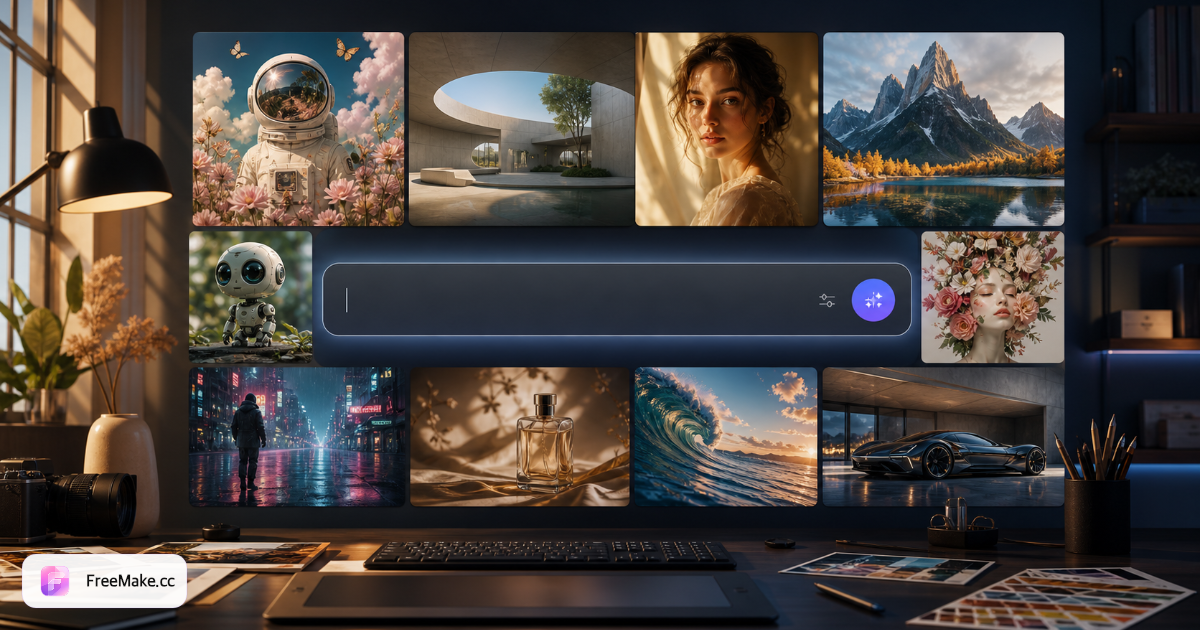
Free AI Image Generators Compared (2026)
How FreeMake.cc compares to other popular AI image generators on signup requirements, free tier, and output quality.
| Tool | Free? | Daily free credits after sign-in? | Daily free tier? | Resolution |
|---|---|---|---|---|
| FreeMake.cc | Yes | Daily free credits after sign-in | Daily free credits | Up to 4K |
| Midjourney | Paid only | Discord required | Limited | Varies |
| DALL-E | Paid (ChatGPT+) | Account required | Limited | 1024×1024 |
| Leonardo AI | Limited free | Signup required | Daily limit | Up to 4K |
| Playground AI | Limited free | Signup required | Daily limit | Up to 1K |
| Ideogram | Limited free | Signup required | Daily limit | Up to 1K |
| Bing Image Creator | Limited free | Microsoft account | Daily limit | 1024×1024 |
Who uses the free AI image generator?
FreeMake.cc covers the jobs people search for — from first-visit experiments to listing-ready product shots.
E-commerce sellers
Product heroes, lifestyle scenes, and detail-page visuals for Amazon, Shopify, and marketplaces — then resize and compress with built-in tools.
Ads & social teams
Instagram, Facebook, and display creatives with readable on-image text when you pick GPT Image 2.
Designers & moodboards
Concept art, campaign directions, and illustration batches — switch to Seedream or Flux for stylized looks.
Multilingual teams
English and Chinese prompts in one workspace — Qwen Image 2.0 for 汉字 inside packaging and posters.
Which free AI model should I pick?
Start on FreeMake.cc after you sign in — match your deliverable to the right engine in seconds.
Need text in the image?
Pick GPT Image 2 for posters, price tags, and ad headlines with legible typography.
Need Chinese characters in the design?
Switch to Qwen Image 2.0 for packaging, banners, and mixed-language layouts.
Need anime or illustration?
Use Seedream 4.5 for character art and stylized series.
Need photoreal outdoor lifestyle?
Try Gemini 3 Pro for natural shadows and scene composition.
How to start after you sign in
Four steps from prompt to download — open the homepage workspace and start generating.
Open freemake.cc
Go to the homepage and sign in with Google one-tap. The AI workspace loads directly in your browser.
Enter your prompt
Describe your image (e.g. "fashion editorial product shot, soft lighting") or upload a reference for image-to-image.
Select AI model
Choose GPT Image 2, Gemini 3 Pro, Qwen Image 2.0, or Seedream 4.5 — switch models anytime without leaving the page.
Generate & download
Click generate and get your image in seconds. Sign in first. Daily free credits are granted after you sign in.
From prompt to listing-ready image
Generate on FreeMake.cc, then finish with free browser tools — no extra apps.
Generate at 1K free
Open the homepage workspace, pick a model, and create your hero or lifestyle shot — daily free credits after sign-in.
Remove or swap background
Use the background remover or white-background tool for marketplace-ready packshots.
Resize for each channel
Export Amazon, Shopify, and social sizes from one master photo with the multi-size export tool.
Compress & check compliance
Meet MB and pixel rules before upload with compress and ecommerce compliance checker tools.
Why creators pick FreeMake.cc
FreeMake.cc is built for creators who want a short path — Google one-tap sign-in, daily free credits, multiple models, and e-commerce-ready templates.
Daily free credits after sign-in
Sign in to generate. Daily free credits are granted after you sign in. Browser-local tools stay usable without login.
Multiple models in one place
Switch between GPT Image 2, Gemini 3, Qwen, and Seedream without switching tabs or apps.
E-commerce focused
Templates designed for product shots, Amazon listings, and ad creatives — not just art experiments.
No VPN needed
Accessible globally, including regions where other AI image generators may be restricted.
FAQ
Common questions about daily free credits on FreeMake.cc.
- 1
Is the free tier really free?
Use daily free credits after sign-in, then generate at 1K. No credit card required.
- 2
What AI models does FreeMake.cc support?
GPT Image 2, Gemini 3 Pro, Gemini 3.1 Flash, Qwen Image 2.0, and Seedream 4.5 — all accessible from the same homepage workspace.
- 3
Can I use FreeMake.cc images commercially?
Yes, for e-commerce listings, ads, and social media. Review each model provider's terms and applicable law before publishing.
- 4
How is FreeMake.cc different from Midjourney or DALL-E?
FreeMake.cc requires no Discord account, no ChatGPT subscription, and daily free credits after sign-in. You get multiple top models in one browser workspace with daily free credits.
- 5
Do I need a VPN?
No. FreeMake.cc works globally without a VPN, unlike some AI tools that are region-restricted.
- 6
What is the best free AI image generator in 2026?
For multi-model access after you sign in, FreeMake.cc ranks among the strongest options — GPT Image 2, Gemini 3, Qwen, and Seedream in one workspace with daily free 1K output. See our ranked comparison blog for full benchmarks.
- 7
Does free generation include a daily allowance?
FreeMake.cc offers daily free credits after you sign in.
- 8
Do I need to sign in for image-to-image?
Sign in, then upload a reference image. Image-to-image uses the same daily credits as text-to-image.
- 9
How does FreeMake.cc compare to Midjourney for product photos?
Midjourney requires Discord and a paid plan for serious use. FreeMake.cc needs daily free credits after sign-in, includes GPT Image 2 for readable product text, and connects to listing tools (resize, white background, compliance) in the same site.
- 10
Can I switch models without a new account?
Yes. GPT Image 2, Gemini, Qwen, and Seedream live in one browser workspace — change models on the next generation without new logins or apps.
Try the homepage workspace
Open the homepage workspace, pick a model, enter your prompt, and generate in seconds.