
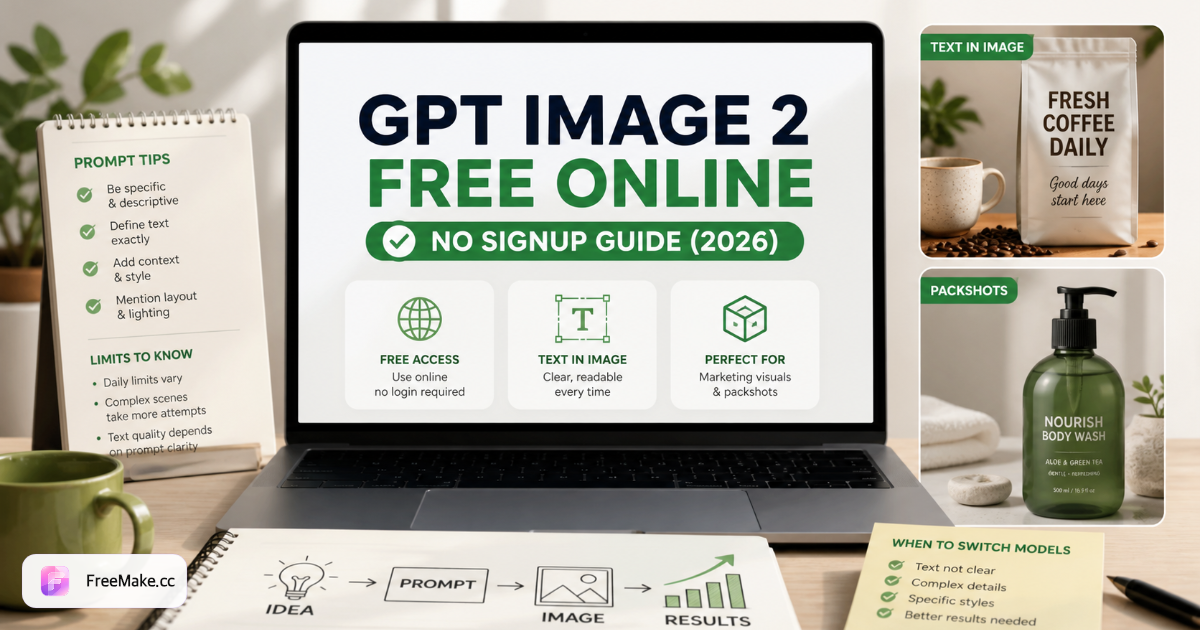
GPT Image 2 is OpenAI's latest image model family — and the one sellers and marketers search for when they need readable text inside images without paying for ChatGPT Plus. The catch: official access usually routes through ChatGPT login, regional limits, or daily caps that change without notice.
This guide is only about GPT Image 2 — not a roundup of every free generator. If you want a ranked comparison across Gemini, Qwen, Flux, and others, read our best free AI image generators in 2026 guide instead. Here we cover what GPT Image 2 does well, where it falls short, how to prompt it on FreeMake.cc with no signup, and when to pick a different model in the same workspace.
What GPT Image 2 is good at
Text baked into the image
GPT Image 2 is still the most reliable mainstream model for short headlines, price tags, and promo copy rendered inside the frame — not added in Photoshop afterward. For Amazon infographics, Instagram promo tiles, and flash-sale banners, start here.
Product packshots and clean layouts
White-background heroes and simple packshots with consistent lighting are a strength. Pair output with white background and compliance checker tools if you're shipping to Amazon or Shopify.
Structured commercial prompts
GPT Image 2 follows brief-style prompts well: subject, background, lighting, camera angle, brand colors. It respects "leave negative space on the right for text" better than stylized models like Flux 2.
Where GPT Image 2 is not the best pick
Honest limits keep you from wasting credits:
- Anime and illustration series — Seedream 4.5 holds character style across batches more consistently.
- Chinese characters inside the image — Qwen Image 2.0 is the specialist for 汉字 in packaging and posters.
- Pure editorial / fashion grading — Flux 2 often wins on mood and color grading without heavy prompt engineering.
- Maximum photoreal environments — Gemini 3 Pro can edge out GPT Image 2 on outdoor lifestyle scenes with complex shadows.
None of this means GPT Image 2 is "bad" — it means match the model to the deliverable. FreeMake.cc lets you switch engines on the same prompt without new accounts.
How to use GPT Image 2 free on FreeMake.cc (no signup)
- Open GPT Image 2 on FreeMake.cc.
- Describe your image in plain language — no model IDs or CFG in the default view.
- Generate at 1K free with daily credits; upgrade resolution with transparent credits if you need 2K/4K for print.
- Download with one click — cross-browser save works on Chrome, Safari, and regional browsers.
- Optional: run compress or resize before marketplace upload.
No ChatGPT account. No Google login. No watermark on standard exports — the same positioning as our other flagship models.
Prompt template that works on GPT Image 2
Use a fixed order so the model doesn't guess layout:
Subject → environment → lighting → camera → text to render → style → colors
Example (product promo):
Studio packshot of a matte black wireless earbuds case, pure white background, soft diffused lighting from upper left, 85mm product photography. Render headline text "Summer Sale" in bold sans-serif, centered top third, orange accent #FF6B57. Clean Amazon listing style, high detail.
Tips:
- Put exact text in quotes and specify font feel (sans-serif, bold, all caps).
- Ask for negative space when you will overlay a logo in Figma later.
- Regenerate twice — GPT Image 2 is strong but not deterministic on spelling; pick the best of three like you would in production.
GPT Image 2 vs "free" elsewhere
| Access path | Signup | 1K free | Text in image | Notes |
|---|---|---|---|---|
| FreeMake.cc | No | Yes | Excellent | Multi-model hub, same credits |
| ChatGPT (Plus) | Yes + paid | Limited | Excellent | Tied to subscription |
| Bing Image Creator | Yes | Limited | Good | Microsoft account required |
| Ideogram | Yes | Limited | Excellent | Single-model site |
If your query is "gpt image 2 free no signup", FreeMake.cc is the straightforward path — one URL, browser-only, switch to Qwen or Gemini when the prompt demands it.
When to read another guide
- Compare 10 generators side by side → Best free AI image generators 2026
- Editorial / street style instead of packshots → Flux 2 free online
- Amazon pixel specs after generation → Amazon image size guide
FAQ
- ### Is GPT Image 2 really free on FreeMake.cc?
- Yes — 1K generation uses free daily credits. Higher resolutions consume credits at listed prices; there is no subscription wall for trying the model.
- Do I need a VPN or OpenAI API key?
- No. FreeMake.cc hosts provider access — you use the web UI only.
- Can GPT Image 2 spell long paragraphs?
- Short headlines and labels work best. For multi-line legal copy, generate the visual and set body text in a design tool, or split text across fewer words in the prompt.
- How is this different from your "best generators" article?
- That article ranks **multiple models** for different jobs. This page is the **GPT Image 2–only** playbook: prompts, limits, and FreeMake.cc workflow — so we don't compete with our own comparison post for the same search intent. Try GPT Image 2 free →
Related reading
- What Can a Free, No-Signup GPT Image 2 Site Do for You? — FreeMake.cc Toolbox Guide
FreeMake.cc combines GPT Image 2 AI generation, AI editing, and 40+ online photo tools in one free workspace — no signup, browser-only. E-commerce shots, scenes, models, compress & convert.
- 10 Best Free AI Image Generators in 2026 (Ranked & Compared)
Compare the best free AI image generators in 2026 — GPT Image 2, Gemini 3, Qwen, Seedream, Flux 2. Free on FreeMake.cc, no signup. Processed locally in your.
- Flux 2 Free Online vs GPT Image 2 & Gemini 3 (2026)
Flux 2 free in 2026: strengths, limits, prompt tips, and when to pick Flux 2 vs GPT Image 2 on FreeMake.cc. Processed locally in your browser—images never.