
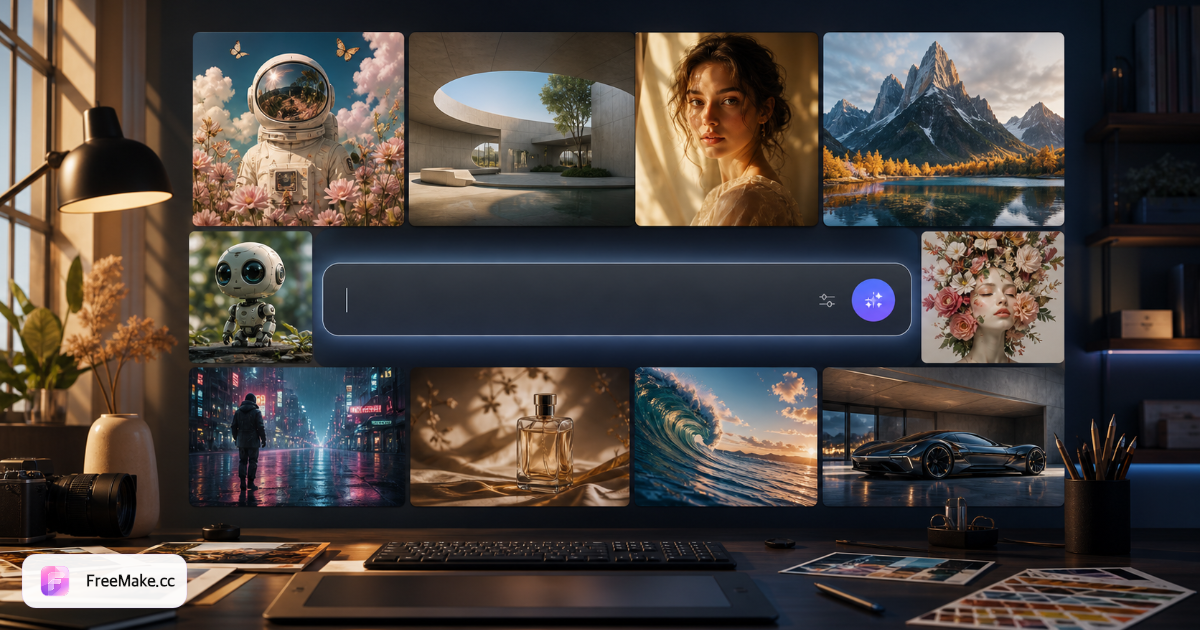
If you work with images often, you've probably felt this: too many tools.
- Need to generate an image? Find an AI generator.
- Need a new background? Find an AI editor.
- Need to place a product in a scene? Another site.
- Need clothes on a model? Yet another bookmark.
Before you know it, dozens of tabs sit in your favorites — all for one deliverable.
That's why we built FreeMake.cc. It's not just another AI image site. We want it to be a permanently free AI photo toolbox you open in the browser. AI generation asks you to use daily free credits after sign-in. Many utilities run locally without uploading files; AI features call GPT Image 2 and other models for creation and editing.
Here's what it can actually do for you.
01 | Turn a plain product shot into an ad layout
Start here: AI layout-style editing.
How it works:
- Prepare two images — your source and a reference you like.
- Tell the AI: "Match the second image's composition, whitespace, and tone when reworking the first."
- GPT Image 2 realigns layout and style — free to try, daily free credits after sign-in required.
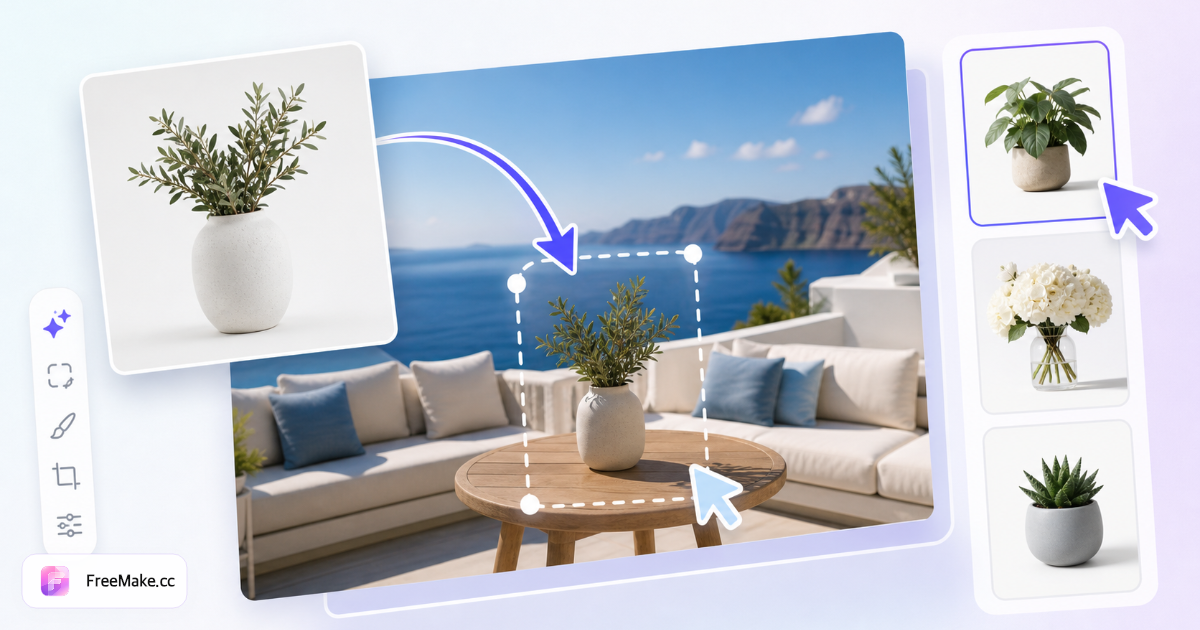
02 | No product scene? AI builds it for you
Many sellers have the product but not the photoshoot.
Say you sell a coffee mug and want:
- ☕ Café scene
- 🏠 Home kitchen
- 🌿 Outdoor setting
- 🎄 Holiday campaign
- ✨ Premium commercial look
Old workflow: location → props → lighting → shoot → retouch.
Now use the AI product scene generator: upload the product, pick a scene, and AI places it in context — kitchen, living room, café, beach, seasonal marketing, and more.
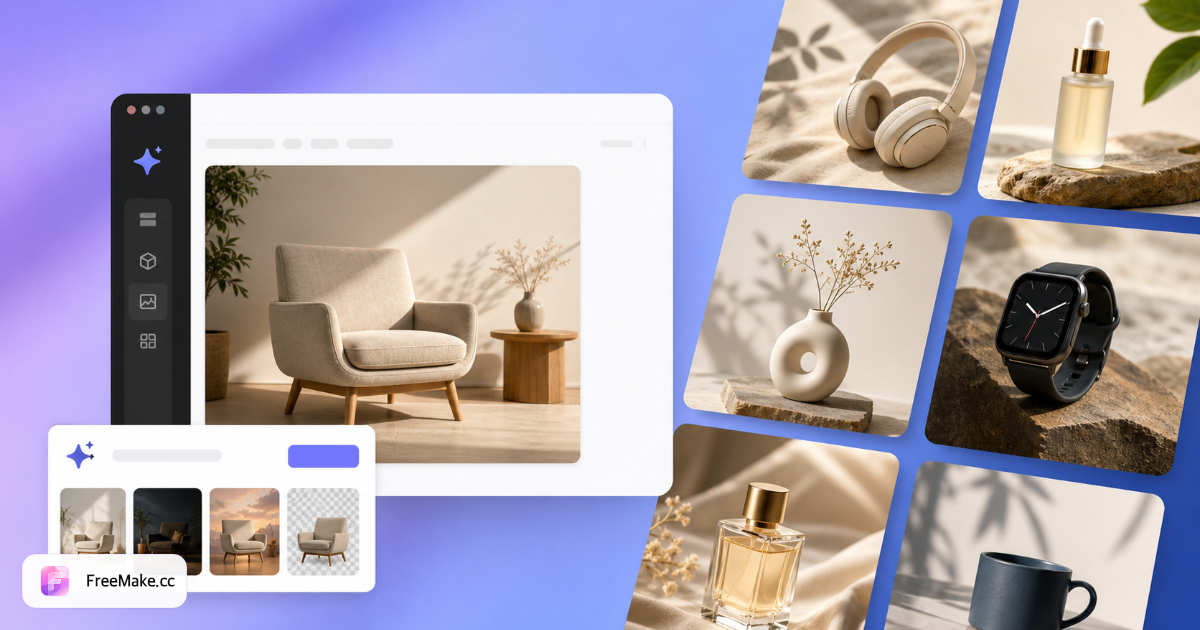
Open AI product scene generator →
03 | One product photo → 20+ listing visuals
Upload one product image and generate:
- White-background hero
- Lifestyle shot
- Minimal product frame
- Promo banner
- …
The AI product image generator is built around one source → many outputs. Need pure white? Try the white background tool first.
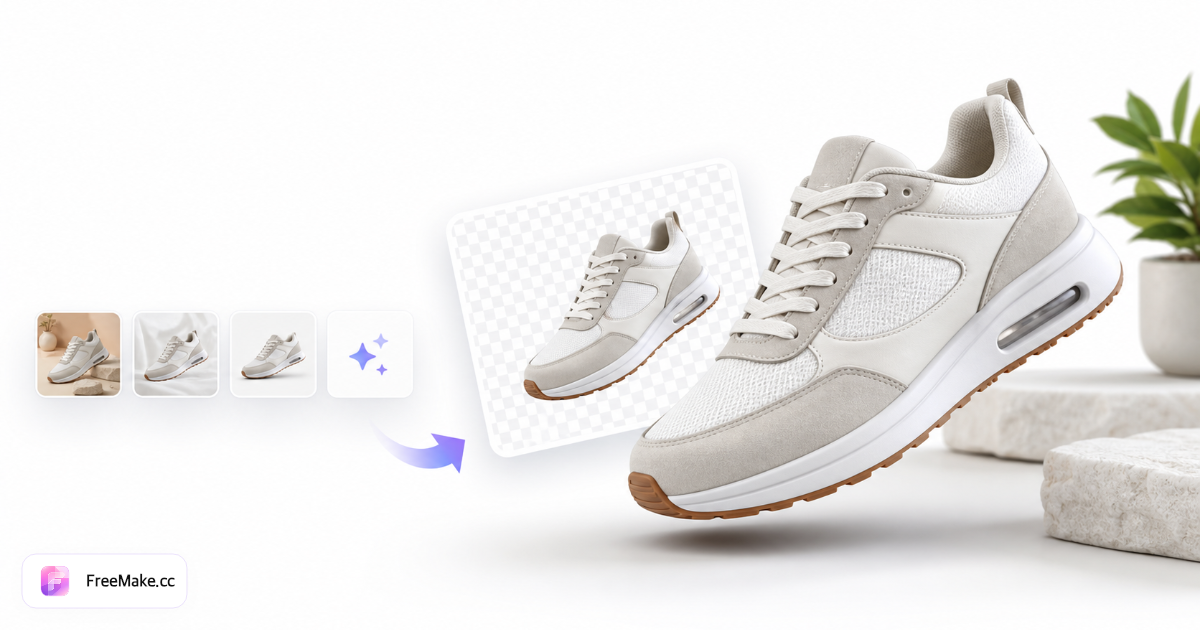
04 | No model? Put apparel on a virtual model
Flat-lay clothing but no model shoot? Use the AI fashion model generator: upload the garment, choose model, pose, hair, background, and style — get on-body results for ecommerce, DTC stores, and social.
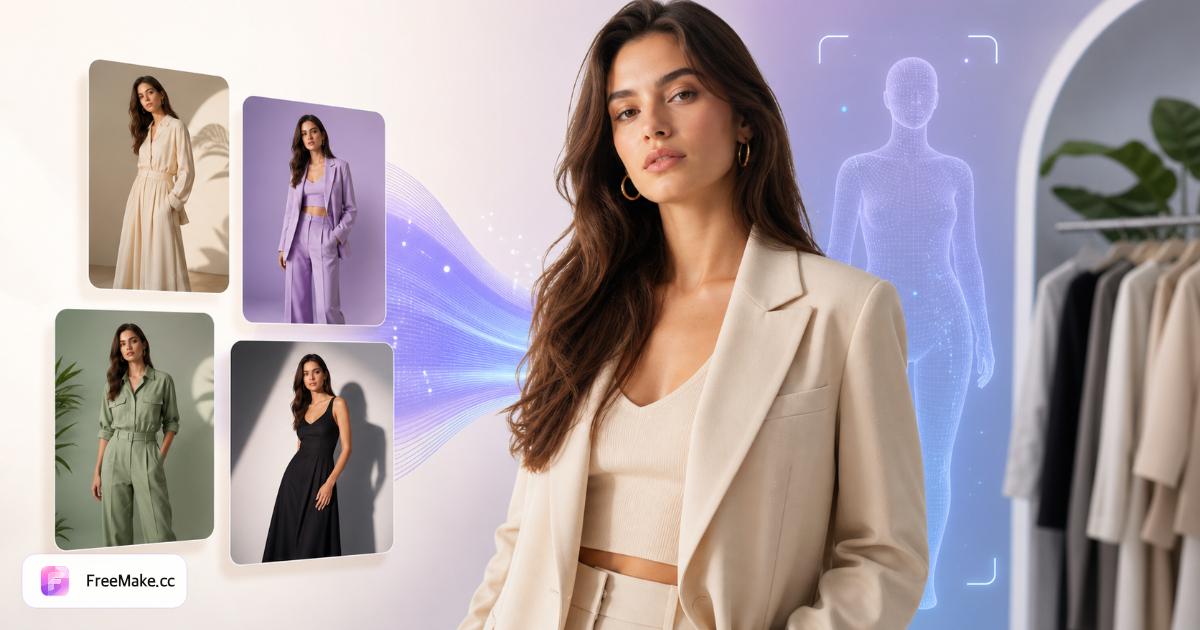
Open AI fashion model generator →
05 | One color SKU → preview every variant
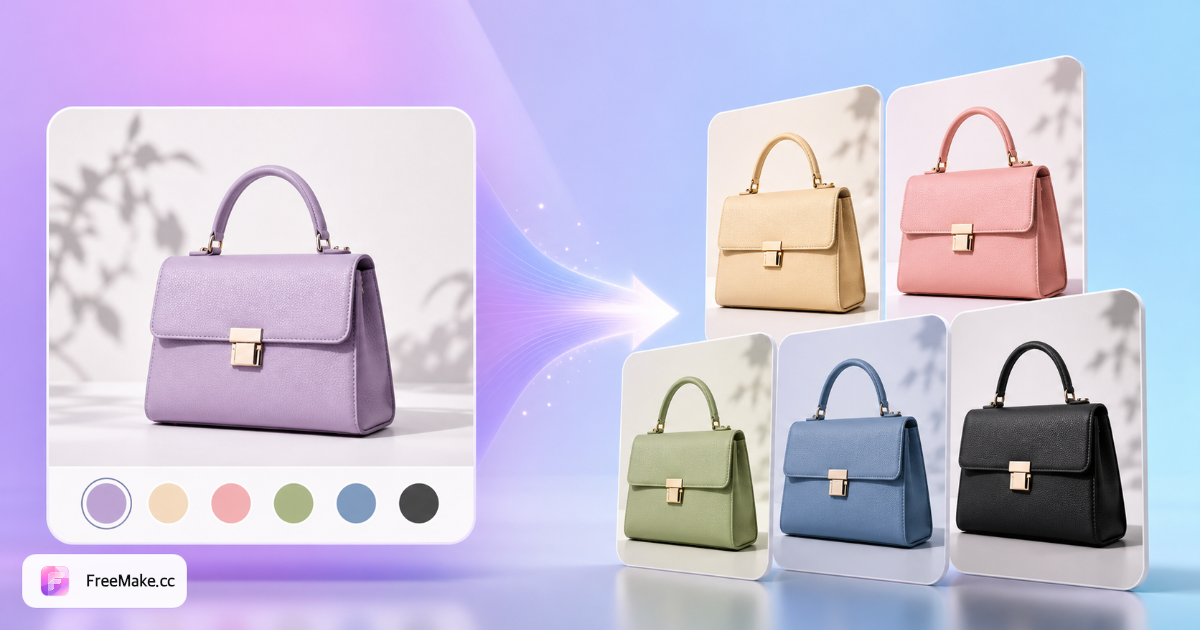
Selling a bag in black only but wondering about red, white, blue, or green? Reshooting every color is expensive.
Try AI product color changer: one upload, multiple colorways while preserving material, texture, and lighting.
06 | Split one image into editable layers
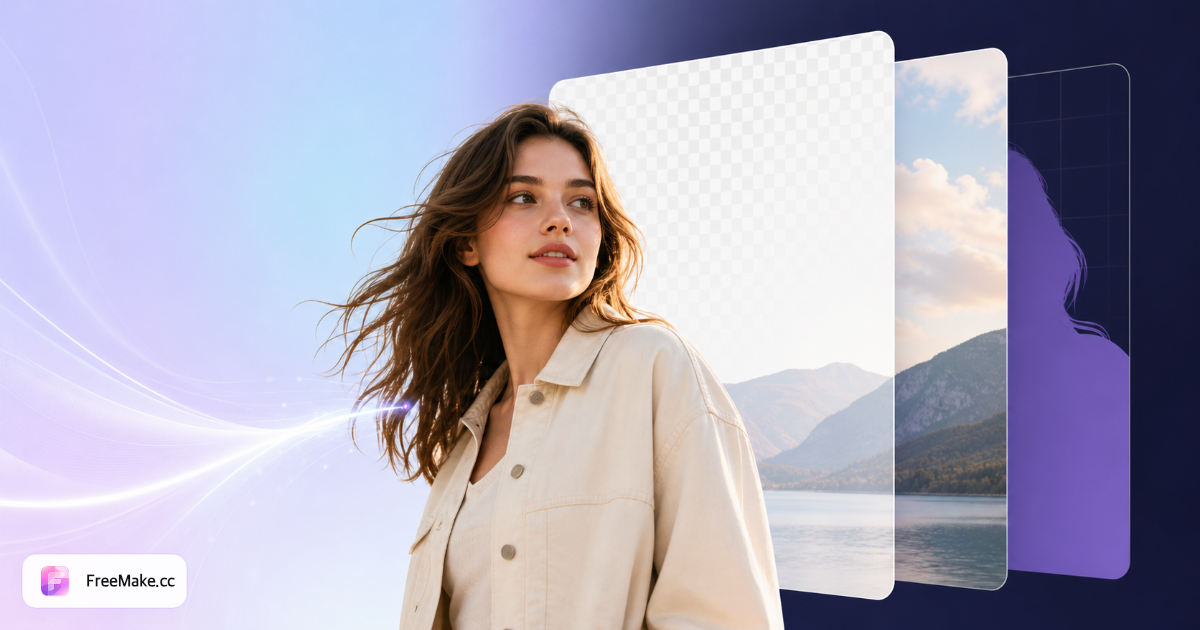
Have a poster and need background, subject, product, and decorations as separate layers?
AI layer split exports 2–8 transparent PNG layers for Photoshop, Figma, or Canva.
07 | Export every marketplace size at once
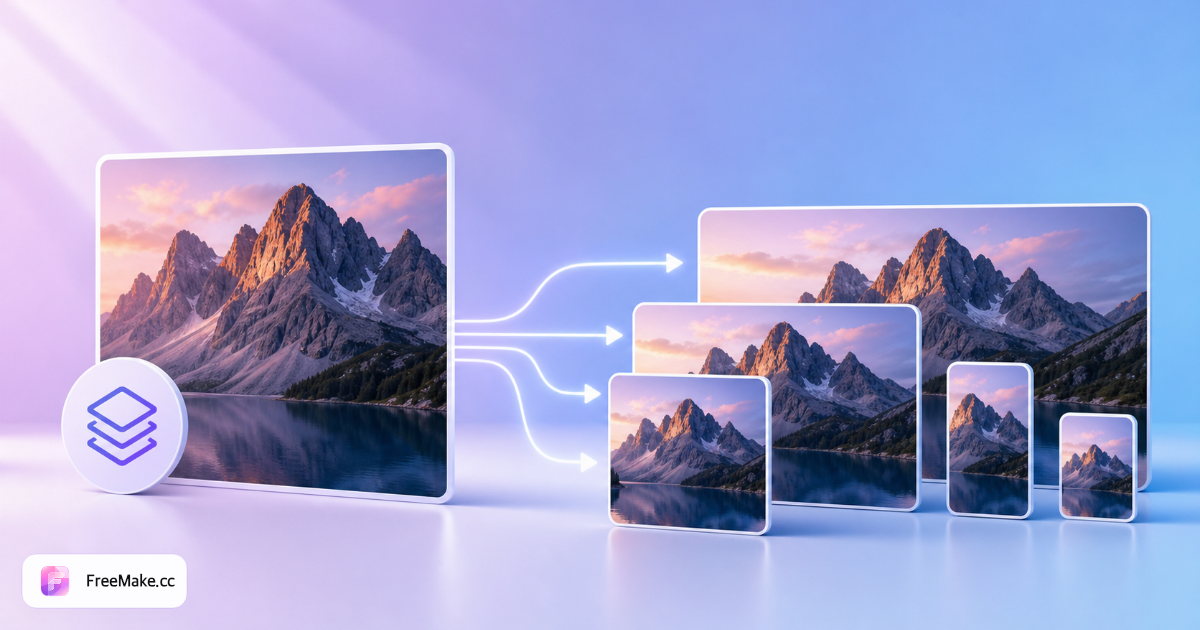
Same hero, different specs for Amazon, Shopify, Instagram, TikTok…
Multi-size export generates platform presets and downloads a ZIP.
08 | Everyday utilities you'll actually use
| Tool | Link |
|---|---|
| Compress images | compress-images-online |
| Convert JPG / PNG / WebP | png-jpg-webp-converter |
| Crop for social | crop-image-for-social-media |
| Resize for ecommerce | resize-images-for-ecommerce |
| Remove background | remove-background-from-image |
| Batch watermark | add-watermark-to-image-batch |
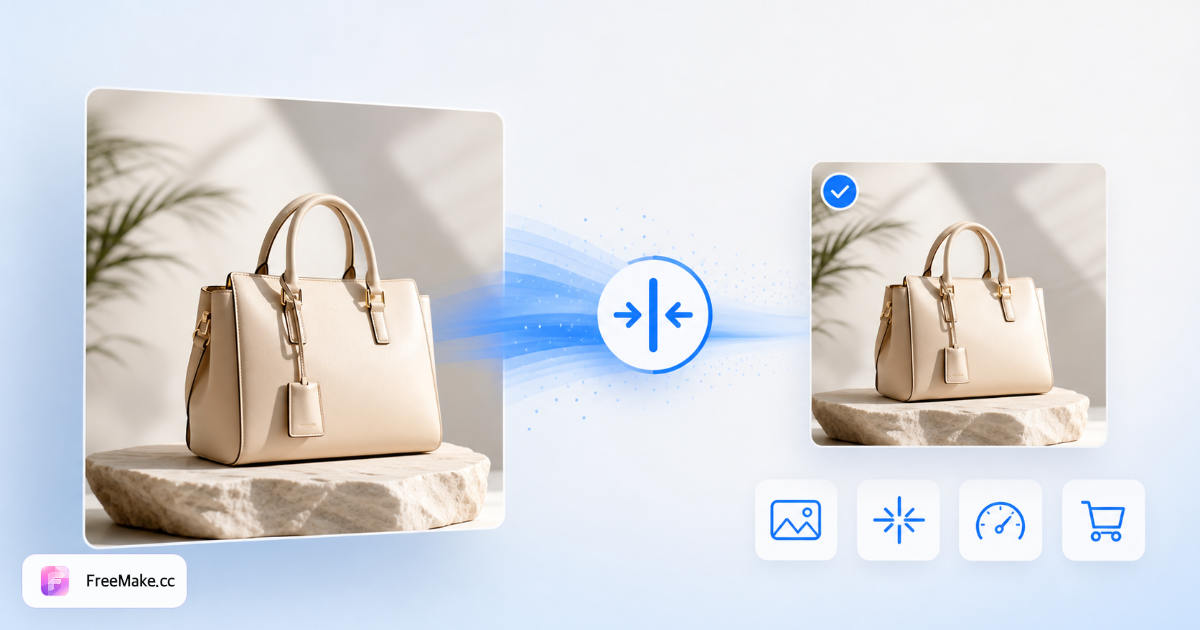
40+ tools live on FreeMake.cc/tools. Many run locally in your browser — files never leave your device.
09 | Three words we care about most: daily free credits after sign-in
Typical AI tool flow: open site → register → verify email → log in → bind account → check free quota…
Sometimes you just want to compress one JPEG. Registration takes longer than the task.
FreeMake keeps it simple: open → upload → use → download.
Use first, register later if you want.
10 | So what is FreeMake.cc?
One sentence:
FreeMake.cc is a free photo workspace that combines AI generation, AI editing, and dozens of online image tools.
Use it for ecommerce visuals, ads, social posts, design drafts, phone photos, format conversion, compression — even a quick HEIC → JPG. No Photoshop install. No bookmark sprawl. Many tools need no account.
Try it now
Bookmark FreeMake.cc:
- 🎨 AI generation
- ✨ GPT Image 2 editing
- 🛒 Product images
- 🏠 Product scenes
- 👗 Fashion models
- 🎨 Color variants
- 🧩 Layer split
- 📐 Multi-size export
- 🗜️ Compression
- 🔄 Format convert
- ✂️ Crop & resize
- 📱 Live Photo
Free · No login · Online
- Edit one image: AI layout editing →
- Browse all tools: FreeMake toolbox →
Tip: Our site is FreeMake.cc — not freemake.com (the legacy desktop video converter). Double-check the URL!
FAQ
- ### Can I really use FreeMake.cc without signing up?
- Yes. Many local tools work instantly; AI generation and editing include daily free credits without requiring an account first.
- Is this the same as freemake.com Video Converter?
- No. FreeMake.cc is a browser AI image workspace. freemake.com is desktop video software. Use **FreeMake.cc**.
- What is GPT Image 2 good for on FreeMake.cc?
- Posters with text, packshots, dual-image layout edits. Try it on the GPT Image 2 model page or layout editing tool.
- Best features for ecommerce sellers?
- Layout editing → product scenes → product image generator → white background / compliance / compress. See our Amazon image size guide.
- Are files uploaded to your servers?
- AI tools process in the cloud (upload required). Compression, conversion, and crop tools often run locally in the browser.
Related reading
- GPT Image 2 Free Online — daily free credits after sign-in Guide (2026)
Use GPT Image 2 free on FreeMake.cc without ChatGPT Plus or signup. Prompt tips, limits, and when to switch models for text-in-image and packshots.
- 10 Best Free AI Image Generators in 2026
Ranked 2026 free AI image generators: GPT Image 2, Gemini 3, Qwen, Seedream, Flux 2. Permanent free access with daily quota on FreeMake.cc.
- Amazon Image Size Guide 2026
Every Amazon image size requirement in one place — with free browser tools to resize, audit, and compress before upload.