
For anyone fixing wrong-orientation uploads
Rotate & Flip – Free Tool
Author: FreeMake.cc Imaging TeamLast updated:
Correct orientation before marketplace upload
- Fix sideways phone photos in seconds
- Batch rotate or flip up to 10 images
- 100% local—no server processing
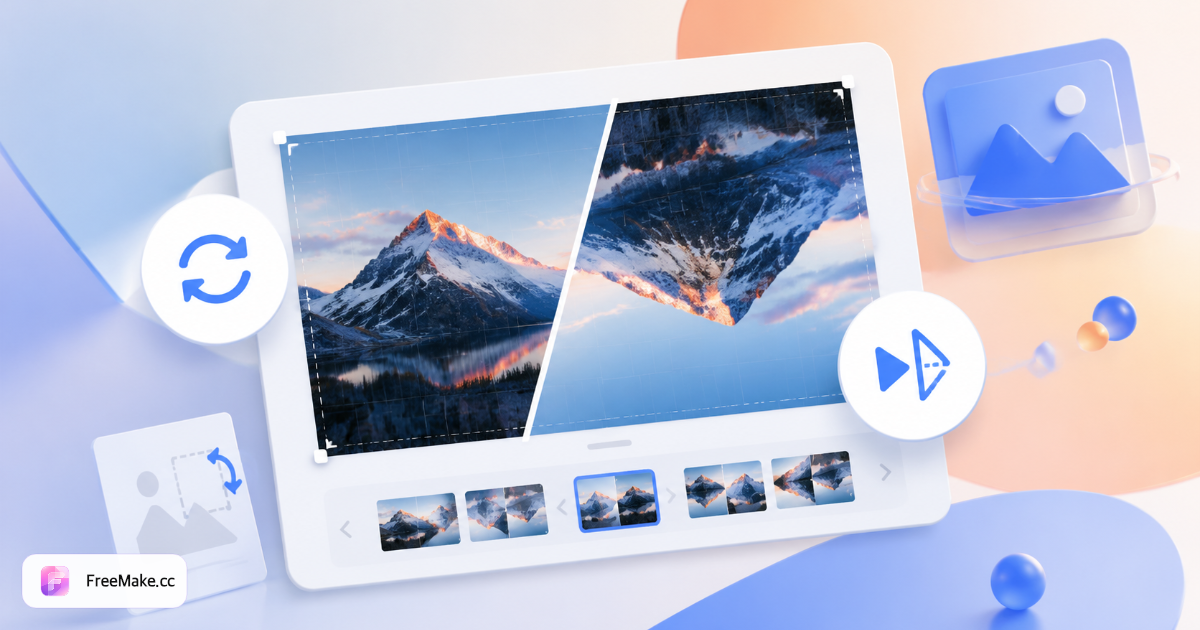
How to Rotate and Flip Images Before Upload
Sideways phone photos and mirrored scans fail quietly in listing tools—or display wrong orientation despite EXIF tags. FreeMake.cc rotates and flips up to ten images locally with instant preview.
Upload misoriented images
Common with iPhone warehouse walks and flatbed scanner imports. Batch similar fixes when an entire folder shares the same wrong rotation.
Rotate 90°, 180°, or flip axes
Use 90° steps for portrait-to-landscape fixes; flip horizontal when text reads backward on packaging scans.
Export fresh JPG or PNG
Re-encoding bakes correct orientation into pixels—some platforms ignore EXIF rotation flags. Preview before ZIP download.
Crop and resize to platform spec
Rotation may change aspect ratio needs. Follow with crop for 1:1 heroes and resize for pixel minimums.
Why Fix Orientation Before Listing Pipelines
Wrong-way heroes look unprofessional and may trip automated validators. Local batch rotation is faster than opening each file in desktop viewers.
Correct iPhone warehouse photography
Quick snaps often land sideways. Rotate entire SKU folders before VA upload instructions go out.
Fix scanner mirroring
Flatbed imports sometimes flip labels. Horizontal flip restores readable nutrition panels on packaging shots.
Private batch on unreleased SKUs
Orientation fixes stay local—no cloud queue for hundreds of preview images before launch.
FreeMake.cc vs iLoveIMG, Photopea & Preview (Mac)
OS preview apps rotate one file at a time; iLoveIMG uploads batches. FreeMake.cc rotates ten listing images locally without accounts.
| Feature | FreeMake.cc | iLoveIMG | Photopea |
|---|---|---|---|
| Local browser rotate/flip | Yes | Upload required | Editor UI |
| Batch 10 images | Yes | Limited free | Manual |
| ZIP download | Yes | Yes | Per file |
| Listing workflow links | Crop, resize | Separate tools | Manual |
| Free no signup | Yes | Ads | Yes |
Rotation and Format Notes
Supports PNG, JPG, and WebP. 90° rotations on JPG are generally low-loss when exported once; repeated edit cycles can introduce artifacts—fix orientation in one pass.
Rotation changes effective width and height—recalculate marketplace aspect ratio after rotate. Strip EXIF if you redistribute orientation-corrected files externally.
- 90° / 180° — phone portrait fixes
- Flip horizontal — mirrored scanner text
- Export once — avoid multi-save JPG degradation
- Next steps — crop 1:1, resize, compress
Rotate & flip FAQ
Rotation behavior and limits.
- Auto EXIF orientation?
No—pick rotation manually if the preview looks wrong.
- Quality loss?
Re-encoded on export—keep originals when possible.
- EXIF preserved?
No—use EXIF strip if you need privacy cleanup.
- Batch & privacy?
Up to 10 images, all local.
- Wrong size for marketplace?
Resize or run compliance check.
- Fix iPhone sideways photos?
Yes—rotate 90°/180° and flip if mirrored. EXIF orientation may still differ; export fresh JPG/PNG.
- Loss of quality when rotating?
90° rotations on JPG are lossless in most cases; repeated edits may add artifacts—export once when correct.
More free image tools
Explore other browser-based utilities on FreeMake.cc—all linked for quick access.