
For sellers fixing supplier or phone photos
Brightness & Contrast Tool – Free
Author: FreeMake.cc Imaging TeamLast updated:
Local color tweaks with live preview
- Rescue underexposed warehouse photos
- Batch adjust up to 10 images
- No upload—edit privately in browser
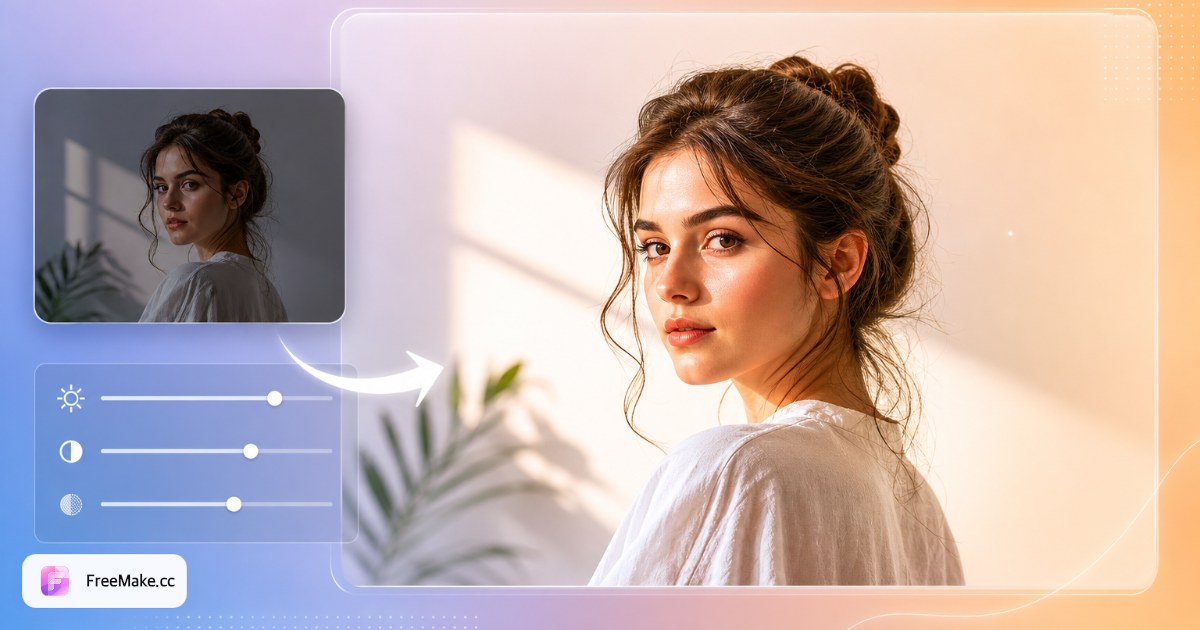
How to Adjust Brightness and Contrast for Product Photos
Underexposed warehouse shots and gray winter lighting make products look dull in search grids. FreeMake.cc adjusts brightness and contrast locally—batch up to ten images with live preview, no upload.
Upload listing or raw supplier photos
JPG and PNG from phone or DSLR imports work. Fix exposure before white-background or compress steps so you do not amplify noise twice.
Tune brightness and contrast sliders
Raise brightness slightly on dark packshots; add contrast so edges pop on white Amazon backgrounds. Avoid clipping highlights on glossy packaging.
Preview on representative SKU
Apply settings to the first image, then batch if the catalog shares the same lighting setup. Different suppliers may need per-folder adjustments.
Export and continue listing prep
Download corrected files, then white-background, resize, and compress as needed. Re-check color accuracy on brand-critical SKUs.
Why Quick Tonal Fixes Boost CTR
Buyers scroll past muddy thumbnails. Fast local adjustments normalize a heterogeneous supplier library without opening Lightroom for every file.
Normalize multi-supplier catalogs
Each factory ships different exposure. Batch brightness passes create cohesive storefront grids before seasonal campaigns.
Salvage acceptable phone photography
Slight underexposure is fixable; reshooting costs days. Contrast lift helps text on packaging read in mobile thumbnails.
Local edits protect embargoes
Unreleased colorways stay on your machine—no cloud photo editor processing confidential assets.
FreeMake.cc vs Photopea, Canva & Lightroom Web
Full editors offer curves and HSL; FreeMake.cc focuses on the two sliders sellers use most for catalog normalization—locally and in batch.
| Feature | FreeMake.cc | Photopea | Canva |
|---|---|---|---|
| Brightness + contrast batch | 10 images local | Manual per file | Per design |
| No account required | Yes | Yes | Account |
| Listing workflow speed | Single-purpose | Full editor load | Template first |
| 100% browser local | Yes | Mostly local | Cloud |
| Free for sellers | Yes | Yes | Free tier limits |
Color Adjust Tips for E-commerce
Works on JPG and PNG product photos. Extreme recovery of blown highlights or crushed shadows is limited—aim for subtle corrections that preserve texture on fabrics and metals.
Adjust before compress: aggressive JPG compression after heavy tonal pushes can band in skies and gradients. For brand color accuracy, compare against physical samples on calibrated monitors.
- Brightness — lift dark warehouse shots modestly
- Contrast — separate product from white-bg heroes
- Batch — same lighting setup across ten SKUs
- Chain — color → white-bg → resize → compress
Color adjustment FAQ
Scope of global color adjustment.
- Good for what problems?
Overall underexposure, flat contrast, washed colors on product shots.
- Local edits or background swap?
No—global only. Use a pro editor for masks.
- Same settings for batch?
Yes—one slider set applies to all images in the run (up to 10).
- Upload?
No—all local.
- Next steps for listings?
Run compliance, compress, or resize if needed.
- Fix underexposed product photos?
Raise brightness slightly and add contrast to make products pop on white backgrounds.
- Will edits affect file size much?
Export may change size slightly. Compress after if marketplace caps apply.
- Batch limit?
Up to 10 images per run, all processed locally.
More free image tools
Explore other browser-based utilities on FreeMake.cc—all linked for quick access.