
For social posts & listing comparison grids
Collage Maker – Free Tool
Author: FreeMake.cc Imaging TeamLast updated:
Merge images into one collage locally
- Horizontal, vertical or grid layouts
- Perfect for before/after or variant showcases
- No upload—compose privately
How to Combine Images Into a Collage Online
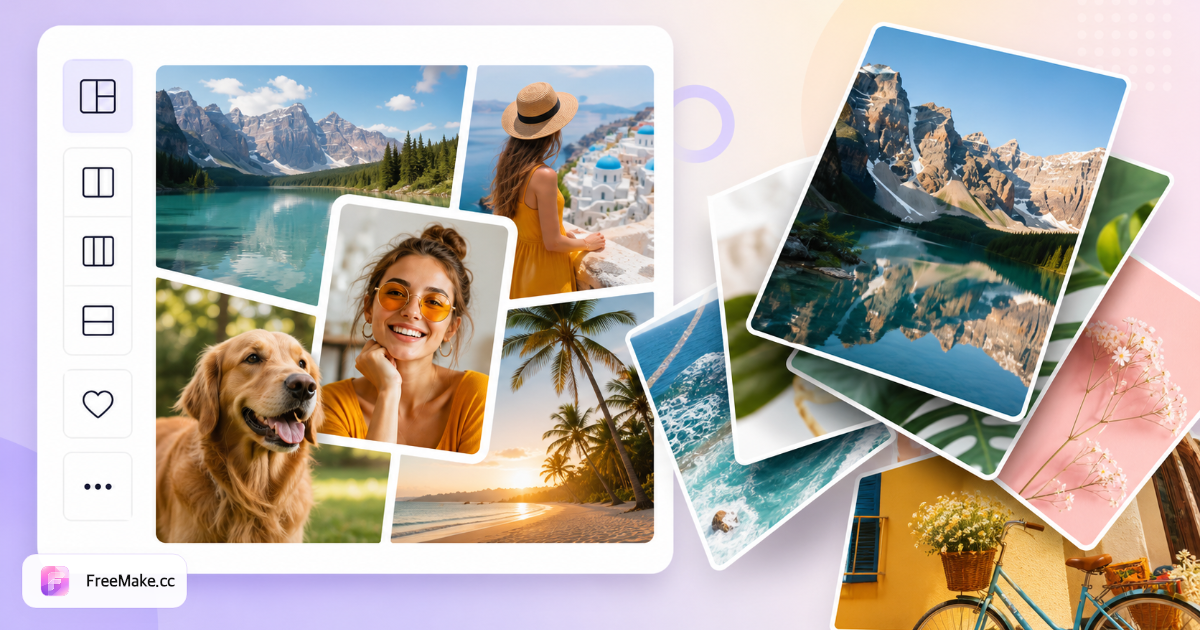
Mood boards, Instagram carousels-as-single-image, and lookbook grids need multiple photos in one frame. FreeMake.cc merge-images builds collages locally in your browser—pick a layout, arrange shots, export PNG or JPG without upload.
Upload multiple photos
Add variant colorways, lifestyle B-roll, or campaign teasers. Crop individual shots to consistent aspect ratios first if the layout cells are uniform squares.
Choose a collage layout template
Select grid patterns matching your social placement—2×2 for Feed squares, vertical stacks for Stories cover composites.
Arrange and preview composition
Drag images into cells; ensure hero SKU occupies the largest cell for shoppable posts. Keep text and logos out if mimicking marketplace-style clean grids.
Export and optimize for channel
Download PNG or JPG, then resize and compress to platform limits. For swipeable carousels, export separate cropped images instead of one collage.
Why Collages Help Social and B2B Sales
One composite tells a color story faster than nine single posts. Local collage building keeps embargoed collections off Canva cloud projects.
Show variant ranges in one asset
Apparel sellers display six colors in a grid for wholesale buyers—one attachment instead of a heavy ZIP of singles.
Build lookbooks without InDesign
Merge lifestyle and product shots for email hero graphics when design team bandwidth is tight before seasonal launch.
Private local compositing
Unreleased collaboration SKUs stay on-device—no cloud collage SaaS indexing your masters.
FreeMake.cc vs Canva, Photovisi & PicCollage
Canva offers rich templates with cloud accounts. FreeMake.cc delivers fast listing-adjacent collages with local privacy and direct links to resize/compress.
| Feature | FreeMake.cc | Canva | Photovisi |
|---|---|---|---|
| Local browser collage | Yes | Cloud | Upload |
| Layout templates | Grid-focused | Extensive | Basic |
| PNG/JPG export | Yes | Yes | Yes |
| Seller tool chain | Resize, compress | Separate | Separate |
| Free no signup | Yes | Account | Ads |
Collage Formats and Channel Tips
Export JPG for photo-heavy collages and PNG when sharp text overlays matter. Final pixel dimensions depend on layout—resize to 1080×1080 or 1080×1350 for Instagram after export.
Amazon main images must be single-product heroes—do not upload collages as primary listing slots. Use collages for social, email, and wholesale decks only.
- JPG — photo collages and email headers
- PNG — sharper edges for branded grids
- Instagram — resize after export to Feed specs
- Carousels — use crop tool for separate slides vs one collage
Collage maker FAQ
Collage limits and layout tips.
- Minimum images?
At least 2, up to 10.
- Layout differences?
Horizontal row, vertical stack, or auto grid—pick layout before upload.
- Mixed image sizes?
Images are scaled to fit—may letterbox. Uniform sizes work best.
- Upload?
No—all local.
- Huge output file?
Long collages can be heavy—compress if needed.
- How many images per collage?
Depends on layout—pick a template in the workbench and arrange photos before export.
- Instagram carousel vs single collage?
Collages work for mood boards; carousels often need separate cropped images—use crop tool first.
More free image tools
Explore other browser-based utilities on FreeMake.cc—all linked for quick access.