
For privacy-conscious creators & sellers
Strip EXIF Metadata – Free Tool
Author: FreeMake.cc Imaging TeamLast updated:
Remove GPS, camera & timestamp data locally
- EXIF can expose location and device details
- Re-encode images without embedded metadata
- Batch up to 10 files with ZIP export
References: EXIF metadata overview
How to Remove EXIF Metadata From Photos
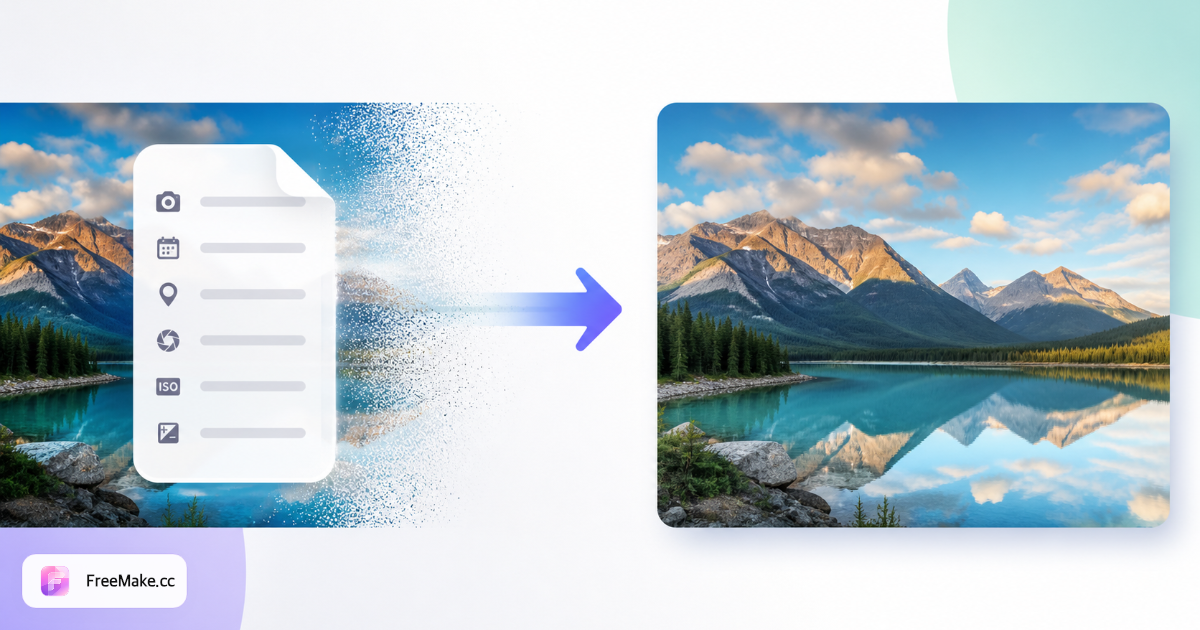
Phone and camera files embed GPS, device model, and capture timestamps in EXIF—data you may not want in client decks or supplier shares. FreeMake.cc strips metadata locally in your browser for up to ten images with no upload.
Upload JPG or PNG photos
Batch supplier shots, warehouse photos, or team pictures that might contain GPS from on-location shoots. EXIF removal does not change visible pixels—only hidden tags.
Strip EXIF in one click
Processing re-encodes files without embedded metadata blocks. File size often shrinks slightly when bulky EXIF chunks are removed.
Preview and verify downloads
Open exported files in any viewer—visual quality should match originals. Use compress afterward if marketplace file-size caps still apply.
Share or upload cleaned assets
Distribute listing photos to VAs, agencies, or wholesale partners without leaking studio location or personal device info.
Why Sellers Strip EXIF Before Sharing
Metadata leaks are invisible until someone inspects file properties. Cleaning locally is faster than trusting every collaborator to scrub tags manually.
Hide GPS from warehouse or studio shots
Competitors and scrapers can read coordinates from untreated phone photos. Stripping EXIF reduces operational security risk.
Client-ready deliverables
Agencies sending previews to brands should not include employee device serials or home-office locations in asset metadata.
Privacy without cloud upload
Sensitive catalog imagery stays on-device—unlike online metadata removers that require sending originals to a server.
FreeMake.cc vs ImageOptim, ExifCleaner & Metability
Desktop apps like ImageOptim excel on Mac batches; web tools often upload files. FreeMake.cc offers browser-local EXIF removal with e-commerce batch size.
| Feature | FreeMake.cc | ImageOptim | Metability |
|---|---|---|---|
| Browser-local stripping | Yes | Desktop app | Often server upload |
| Batch 10 images | Yes | Folder drag | Varies |
| No install required | Yes | Mac install | Web |
| Pixels unchanged | Yes | Yes | Yes |
| Free for listing workflows | Yes | Free Mac app | Free tiers vary |
EXIF and Supported File Types
EXIF commonly appears in JPG and some PNG workflows from cameras and phones. Removed fields typically include GPS coordinates, camera make/model, orientation tags, and capture datetime.
Stripping is not a substitute for blurring faces or license plates—use the privacy blur tool for visible sensitive content, then strip EXIF before external sharing.
- JPG — most EXIF-heavy listing photos
- PNG — metadata less common but still stripped when present
- GPS — primary privacy concern for location leaks
- Combine with compress — smaller files after metadata removal
EXIF removal FAQ
What EXIF removal does and does not change.
- What is EXIF and why remove it?
EXIF can store GPS, capture time, and camera model. Many teams strip it before publishing client or UGC photos.
- Will quality drop?
No visible loss—metadata is removed while pixels stay the same (JPG/PNG/WebP output).
- Required for marketplaces?
Usually not mandatory, but reduces file size and location leakage. Some teams require it internally.
- Upload? Batch?
No upload. Up to 10 images locally.
- Still over size limits?
Try compress or compliance check next.
- What EXIF data is removed?
GPS location, camera model, capture time, and other embedded metadata—pixels stay the same.
- Should sellers strip EXIF before upload?
Recommended when photos were taken on phone—avoids accidental location leaks in client or team shares.
- Will file size change?
Often slightly smaller after metadata removal. Compress further if marketplace caps apply.
More free image tools
Explore other browser-based utilities on FreeMake.cc—all linked for quick access.