
For visa, passport, badge & form photo needs
Passport Photo Maker — Free Online by Country Size
Author: FreeMake.cc Imaging TeamLast updated:
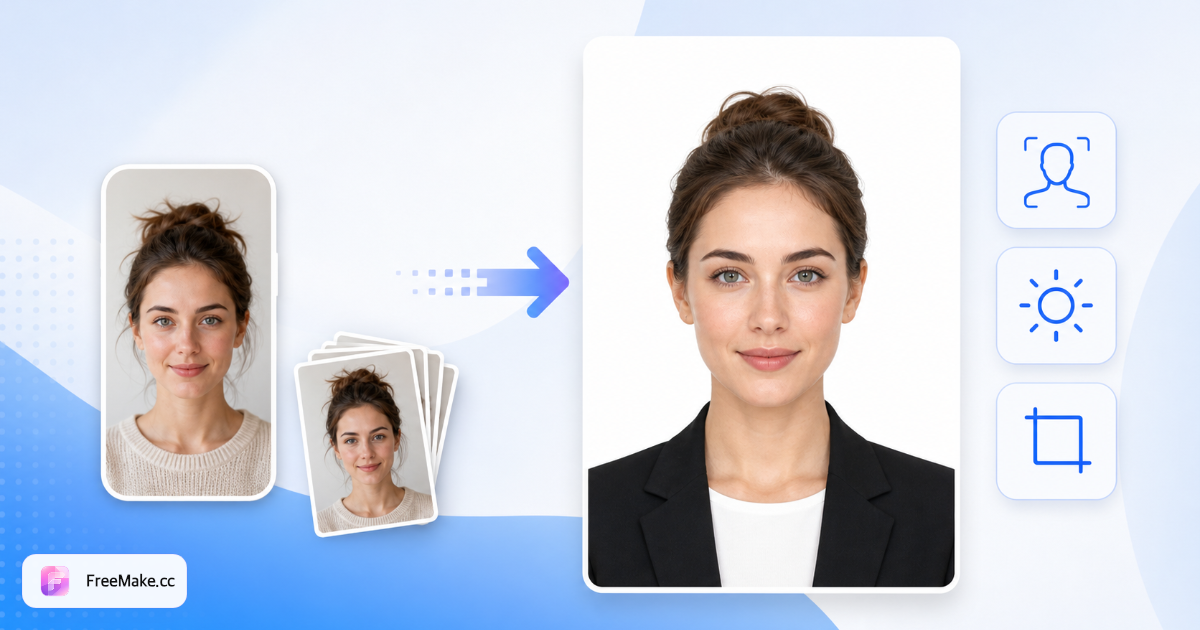
Free AI passport photo maker with country/region size presets (2×2, 35×45, 33×48 & more), white/blue/red backgrounds, and print-ready JPG—daily free credits after sign-in.
- Country & region size presets (NA, EU, Asia…)
- White, blue, red & common ID backgrounds
- GPT Image 2 AI edges + IP-based size default
References: U.S. Department of State — Passport photos · GOV.UK — Passport photo rules
How to Make a Passport Photo Online by Country
Visa, passport, and badge forms need a standard headshot on a solid background. FreeMake.cc uses GPT Image 2 to swap the background, then crops to the country/region size you select—three free AI runs daily. Verify official specs before printing.
Upload a front-facing portrait
Face the camera, keep a neutral expression, and use even lighting—avoid hats and heavy shadows. A clear phone selfie is enough; AI processing requires upload.
Choose background color
Default white covers most passports. Blue, red, gray, and dark blue cover ID cards and regional visa habits. Match the issuing authority—colors are not universal.
Select country or region size
Pick North America 2×2, Europe / Eastern Europe 35×45, China 33×48, Japan 45×45, India 51×51, Brazil 30×40, or Hong Kong / Macau 40×50. Shared sizes are grouped as regions. IP geo often preselects for you.
Generate, preview head framing, download
AI replaces the background and outputs a JPG at the selected pixels (~300 DPI). Zoom the preview for ear visibility and head height. Compress if a portal has file-size caps. Not legal advice.
Why Use an AI Passport Photo Tool Instead of a Studio
Last-minute visas and remote hiring rarely leave room for a studio trip. Online ID photos save time when your document uses a simple solid background and standard crop.
Country size without guesswork
Switch between 2×2, 35×45, 33×48 and other presets instead of guessing millimetres in a generic cropper.
Fast onboarding badges
HR can turn a home portrait into a badge-ready JPG—useful for distributed e-commerce teams in peak season.
One shoot, multiple backgrounds
When forms disagree on white vs blue, regenerate with another color within the daily free AI allowance.
Not for product listing heroes
Passport crops are tight. Use LinkedIn tools for career portraits and white-background tools for Amazon/Shopify main images.
FreeMake.cc vs PhotoAid, IDPhoto4You, ePassportPhoto
PhotoAid-style apps emphasize per-country wizards and paid prints. FreeMake.cc pairs GPT Image 2 background swap with country/region size presets and the rest of the FreeMake.cc seller toolkit.
| Feature | FreeMake.cc | PhotoAid | IDPhoto4You |
|---|---|---|---|
| AI background swap | GPT Image 2 | Template / studio flow | Template / studio flow |
| Country / region size picker | Yes (NA, EU, CN, JP…) | Per-country wizard | Per-country wizard |
| IP-based size default | Yes (when geo available) | Varies | Varies |
| Daily free AI | 3 / UTC | Paid packs | Paid packs |
| Connected resize / compress | Yes | Separate | Separate |
| Print fulfilment | DIY print JPG | Often paid prints | Often paid prints |
Passport Photo Size Requirements by Country & Region
Photo size and background colour differ worldwide. FreeMake.cc groups shared sizes into regions (North America, Europe, Eastern Europe) and keeps unique specs as country options. Confirm official rules before you submit.
Select the matching country/region in the workbench before generating. Europe and Eastern Europe share 35×45 mm but stay separate so visitors from either region land on a familiar label. North America and India both use ~51×51 mm yet remain distinct options.
Print shops usually want ~300 DPI JPGs. Digital portals may also cap file size—compress after download if needed. Strip EXIF before sharing externally if privacy matters.
Pixels alone are not enough: many authorities require head height around 70–80% of the frame with both ears visible. Zoom the preview before you print.
FreeMake.cc follows common published sizes; embassies update rules. Cross-check travel.state.gov, GOV.UK, or your local immigration site for head size, glasses, and recency requirements.
- North America — 51×51 mm / 2×2″ (600×600 px)
- Europe & Eastern Europe — 35×45 mm (413×531 px)
- China — 33×48 mm passport crop
- Japan — 45×45 mm square
- India — 51×51 mm (common passport size)
- Brazil — 30×40 mm
- Hong Kong / Macau — 40×50 mm
- IP geo default when edge country header is present
- 3 free AI runs / UTC day
- Always verify official head-size & background rules
| Country / region | Photo size | Typical background | Workbench preset |
|---|---|---|---|
| United States / Canada (visa & many NA docs) | 2×2 in (51×51 mm) · 600×600 px | White / off-white | North America |
| Schengen / UK / Western Europe | 35×45 mm · 413×531 px | Light / grey-cream (UK) | Europe |
| Eastern Europe | 35×45 mm · 413×531 px | Light solid | Eastern Europe |
| China | 33×48 mm · ~390×567 px | White / blue | China |
| Japan | 45×45 mm · ~531×531 px | White | Japan |
| India | 51×51 mm · 600×600 px (common) | White | India |
| Brazil | 30×40 mm · ~354×472 px | White | Brazil |
| Hong Kong / Macau | 40×50 mm · ~472×591 px | White | Hong Kong / Macau |
Passport photo FAQ
Country sizes differ—use the country/region picker, then verify official head-size and background rules before printing or uploading.
- What size does FreeMake.cc output?
It depends on the country/region you select in the workbench. Defaults follow your IP country when possible. Europe / Eastern Europe use 35×45 mm (413×531 px); North America and India use 51×51 mm (600×600 px); China 33×48 mm; Japan 45×45 mm; Brazil 30×40 mm; Hong Kong / Macau 40×50 mm.
Physical mm and head-to-frame ratios still vary by authority. Always confirm on the issuing government’s site before submission—FreeMake.cc is a starting crop, not legal advice.
- Do I need a solid-color background already?
No. Upload any front-facing portrait and choose white, blue, red, gray, or dark blue. Complex scenes may be imperfect; a plain wall works best.
For marketplace product heroes, use white-background or detail-image tools—not ID crop proportions.
- Is the photo uploaded? Is there a daily limit?
Yes—the photo is sent for GPT Image 2 processing. It shares daily free credits with homepage generation and other AI tools (resets at midnight Beijing time).
- Can I print the result?
Download the JPG and print at a photo shop. Confirm they accept the physical mm/inch size and ~300 DPI for your document type.
- Need a stricter pixel or file-size limit?
After download, use Resize for portal pixel caps and Compress when uploads reject the JPG.
- US 2×2 vs Schengen 35×45—same photo?
No. US passport/visa photos are typically 2×2 inches (51×51 mm → 600×600 px). Schengen / UK / most of Europe use 35×45 mm (413×531 px). Pick North America or Europe in the country field—don’t reuse one crop for both.
- Can I use this as a LinkedIn profile photo?
Passport crops are tight and formal. For career headshots, use the LinkedIn photo generator instead.
- How does country selection work?
Countries that share the same physical size are grouped as regions (North America, Europe, Eastern Europe). Unique specs stay as country options (China, Japan, India, Brazil, Hong Kong / Macau). Your visit IP sets the default when the edge geo header is available.
- How do I make a free 2×2 inch US passport photo online?
Upload a front-facing portrait, choose North America (51×51 mm / 2×2″), pick a white or off-white background, generate with GPT Image 2, and download the 600×600 JPG. Confirm chin-to-crown head height on travel.state.gov before applying.
- What is the Schengen / UK passport photo size?
Both commonly require 35×45 mm. Select Europe (or Eastern Europe where that preset applies). UK photos often prefer a light grey or cream background—pick gray if required, then verify GOV.UK rules.
- China, Japan, India—which preset?
China passport photos commonly use 33×48 mm; Japan 45×45 mm; India often 51×51 mm (similar to US 2×2). Choose the matching country option. Domestic one-inch/two-inch Chinese sizes may differ—check the receiving office.
- Does FreeMake.cc guarantee embassy acceptance?
No. We produce standard size crops and AI background swaps for common specs. Acceptance still depends on lighting, expression, glasses policy, head ratio, and each authority’s latest rules.
More free image tools
Explore other browser-based utilities on FreeMake.cc—all linked for quick access.