
For listing teams shipping to many channels
Multi-Size Export – Free Tool
Author: FreeMake.cc E-commerce TeamLast updated:
One upload, every marketplace size you need
- Stop manually resizing for each platform
- Pick Amazon, Shopify & Instagram presets
- Download all variants as a ZIP
References: Shopify image size guide
How to Export Multiple Image Sizes From One Photo
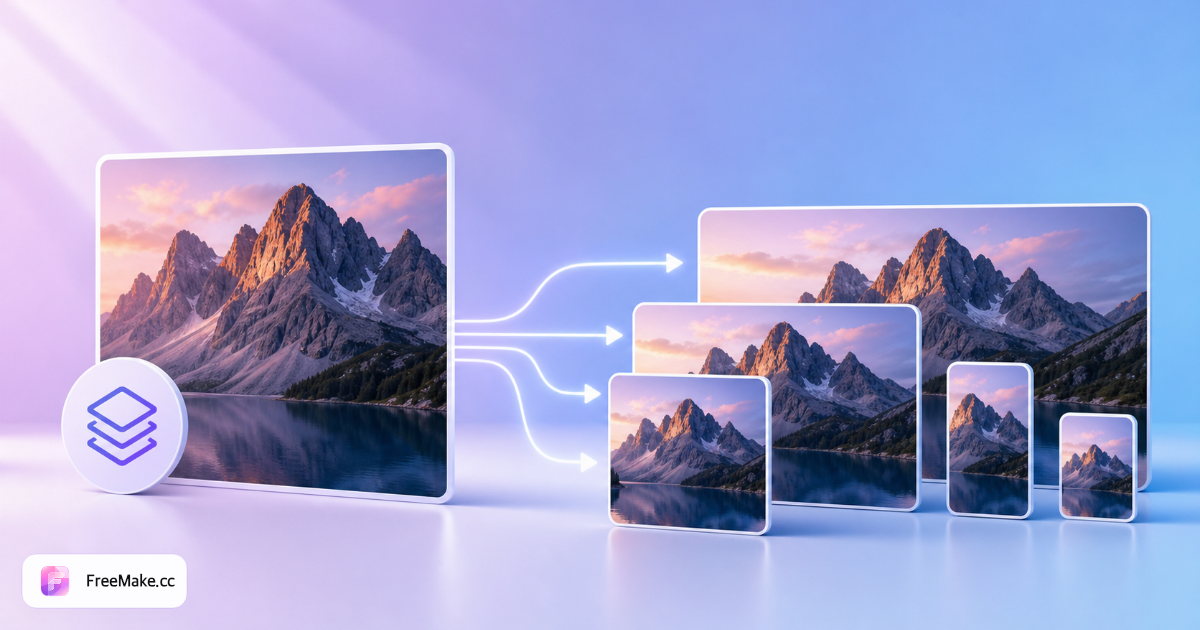
One product master should feed Amazon squares, Instagram portraits, and web banners—manually exporting each size wastes hours. FreeMake.cc multi-size export generates common marketplace and social dimensions locally from a single upload, ZIP included.
Upload your best master product image
Start from the highest-resolution square or studio shot you have. Crop to 1:1 first if the source is landscape—consistent framing across sizes looks more professional in ads.
Select preset size bundles
Choose e-commerce, social, or mixed packs covering square, portrait, and landscape targets. Each preset maps to channels like Amazon thumbnails, Feed posts, and Stories.
Preview each dimension
Check that labels and product edges are not clipped in smaller outputs. Upscale marginal sources before export if longest side falls below marketplace minimums.
Download ZIP of all sizes
One archive contains every variant—hand off to media buyers or upload per slot. Compress individual files if any exceed MB caps.
Why Multi-Size Export Scales Catalog Ops
Omnichannel sellers need five or more pixels-per-inch variants per SKU. Automated local export standardizes creative without repetitive Photoshop actions.
One shoot, every channel
Generate Amazon 2000×2000, 1080×1080 ads, and 1080×1920 Stories from the same source in one browser session.
Reduce VA instructions
Instead of documenting ten export recipes, send a ZIP with labeled dimensions—fewer mistakes on launch week.
Local batch privacy
Unreleased collections never upload to a cloud resize service—important for fashion and electronics embargo periods.
FreeMake.cc vs Canva Resize, Photopea & Bulk Tools
Canva resizes inside projects; bulk web tools often require upload. FreeMake.cc bundles listing-specific presets with local ZIP export.
| Feature | FreeMake.cc | Canva | Bulk resize sites |
|---|---|---|---|
| One upload → many sizes | Yes — ZIP | Manual duplicate | Often per job |
| E-commerce preset packs | Yes | Templates | Generic px list |
| Local browser processing | Yes | Cloud | Upload required |
| Linked compress & compliance | Yes | Separate | Separate |
| Free batch workflow | Yes | Pro features | Limits/ads |
Typical Export Sizes for Sellers
Square outputs support Amazon/eBay heroes and Meta 1:1 ads. Portrait sizes map to Instagram 4:5 and Pinterest pins. Tall 9:16 files serve Stories, Reels, and TikTok product clips.
Export JPG for photo-heavy variants unless PNG transparency is required. After ZIP download, run compliance checker on the square hero before Seller Central upload.
- 2000×2000 — common Amazon main-image target
- 1080×1080 — social ads and marketplace thumbnails
- 1080×1920 — vertical video cover frames
- ZIP bundle — all presets in one download
Multi-size export FAQ
How multi-size export works—including aspect ratio behavior.
- Which presets are included?
Overseas marketplaces (Amazon, Shopify, eBay, Etsy), China platforms (Taobao, Pinduoduo, Xiaohongshu, Douyin, Weibo), plus Instagram, Facebook, TikTok and more—exact pixels shown in the checklist.
- Does it keep aspect ratio?
Output is scaled to exact target pixels (may stretch). For proportional resize, use our resize tool.
Built for exact marketplace pixels, not artistic cropping.
- Multiple sizes at once?
Yes—check several presets, export all, ZIP download.
- Why one source image?
Designed for one hero asset → many platform specs.
- Still too heavy?
Compress individual JPGs if over marketplace limits.
- Which sizes are included?
Common e-commerce and social presets (square, portrait, landscape). Pick the set that matches your channels.
- One source image for all sizes?
Yes—upload once and download a ZIP with every selected dimension.
- Need to compress after export?
If any file exceeds platform limits, run compress on the ZIP outputs.
More free image tools
Explore other browser-based utilities on FreeMake.cc—all linked for quick access.