
iPhone sneaker shot → Amazon-ready JPG
Before · .HEIC
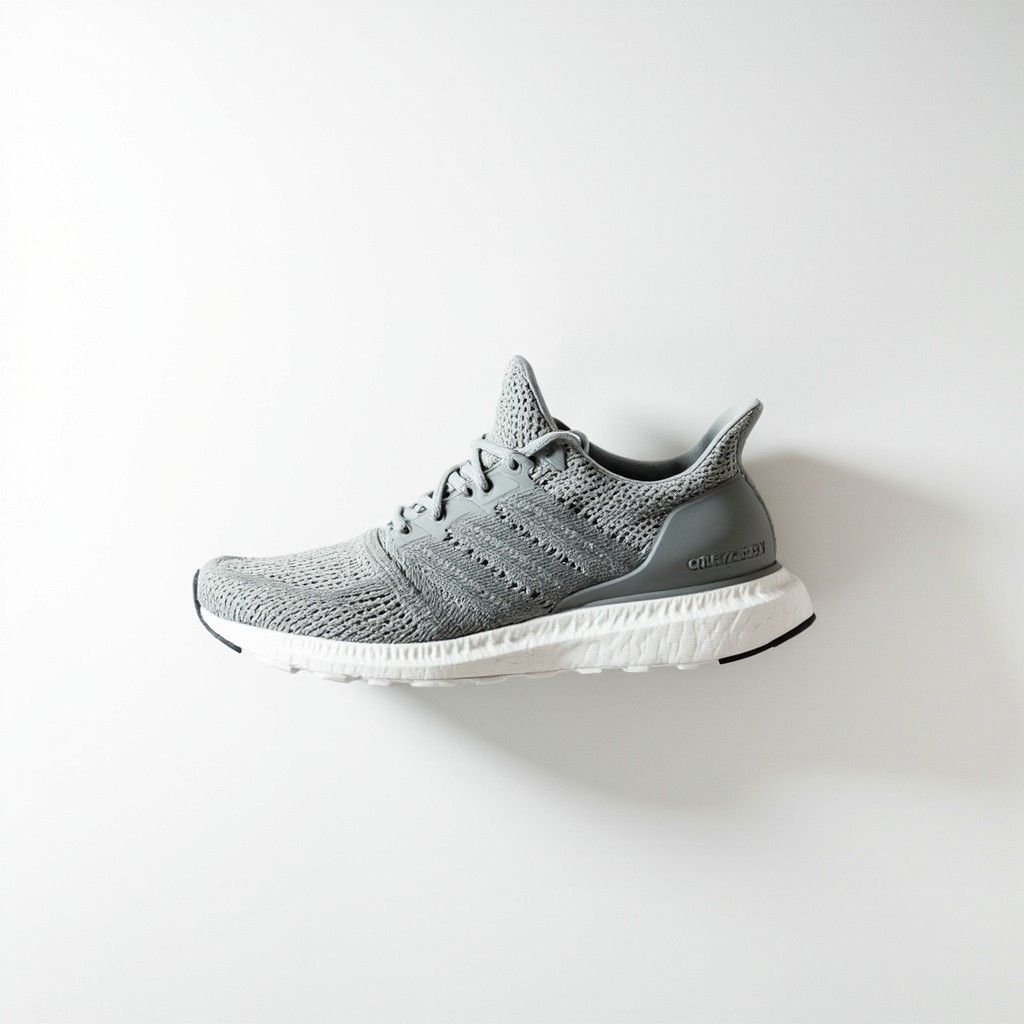
JPG output · .JPG
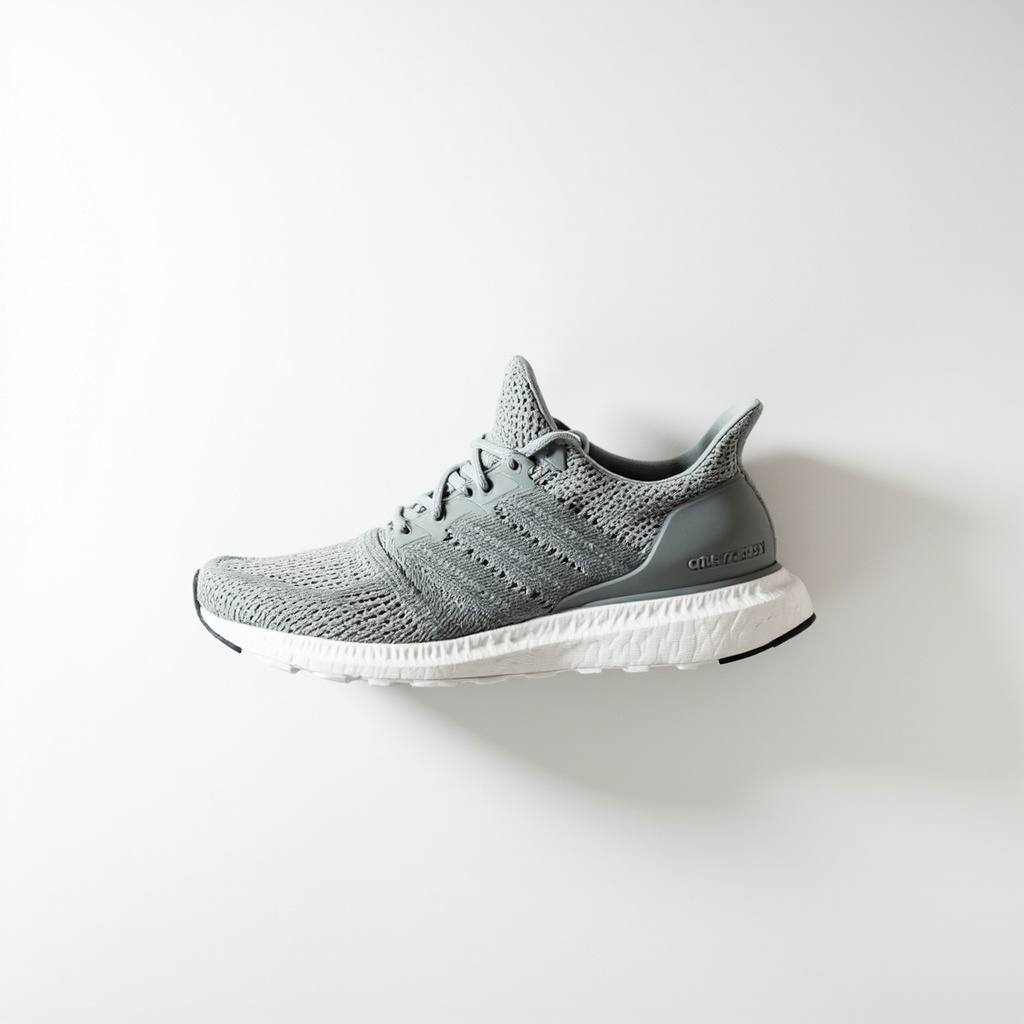
Studio HEIC from iPhone becomes a universal JPG—opens on Windows and passes marketplace upload.
For iPhone users & cross-platform teams
Author: FreeMake.cc Imaging TeamLast updated:
Convert HEIC or HEIF to JPG/JPEG in your browser—batch 10 iPhone photos, no upload, no Windows codec needed. Works on Mac, PC, and mobile.
References: Apple HEIC overview
Before-and-after from iPhone HEIC shots and supplier rolls—same visuals, universal JPG you can upload anywhere.
Before · .HEIC
JPG output · .JPG
Studio HEIC from iPhone becomes a universal JPG—opens on Windows and passes marketplace upload.
Before · .HEIF

JPG output · .JPG

Batch-convert supplier HEIF macros to JPG without cloud upload or email attachment limits.
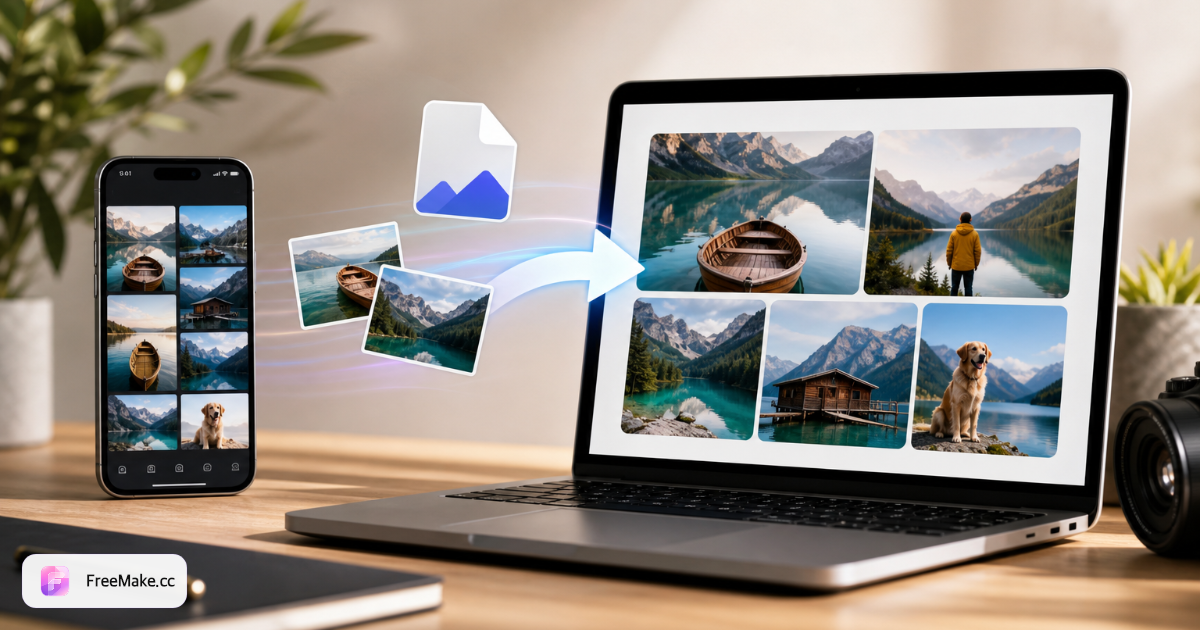
Learn how to convert HEIC to JPG online without uploading to a cloud server. FreeMake.cc accepts HEIC and HEIF from iPhone, Mac, or Windows folders—batch up to 10 photos to JPG or JPEG, preview results, and export a ZIP. No signup, no file size cap, 100% browser-local.
Drag .heic photos from AirDrop, email attachments, or supplier folders. Conversion happens on your device—ideal before Seller Central or Shopify media libraries.
JPG is standard for Amazon and eBay listings; PNG when you need lossless edges before further editing. Preview color accuracy on product shots with saturated packaging.
HEIC HDR tones may shift slightly on export—confirm skin tones and brand colors before batch download. Rotate-flip first if orientation metadata was ignored on import.
Converted JPGs can be large. Run compress and compliance checker to meet marketplace MB and pixel rules before publishing.
Format friction slows teams mixing iPhone photography with Windows-based catalog tools. Local HEIC conversion keeps shoot-day photos moving without paid desktop software.
Marketplaces expect JPG/PNG heroes. Converting on import prevents half your camera roll from stalling bulk upload spreadsheets.
Virtual assistants on PCs can open JPG outputs immediately—no HEIC codec packs or cloud converter accounts required.
Pre-launch iPhone snaps never leave your browser—important when shooting prototypes in-office before public announcement.
Shoot on iPhone in the warehouse, convert to JPG on the spot, then chain resize → white background → compress without emailing files to a cloud converter.
HEICtoJPG, CloudConvert, and Zamzar are popular but typically upload files to their servers. FreeMake.cc processes HEIC locally—better for unreleased SKUs, faster batch handoffs, and local conversion does not use credits.
| Feature | FreeMake.cc | HEICtoJPG | CloudConvert |
|---|---|---|---|
| Local browser conversion | Yes | Upload/server | Server upload |
| HEIC & HEIF input | Yes | Yes | Yes |
| JPG & PNG output | Yes | Mostly JPG | Many formats |
| Batch 10 photos | Yes | Limited | Paid bulk |
| Free no signup | Yes | Ads/limits | Free tier caps |
| Zamzar / email workflow | Instant in browser | Email link wait | Server queue |
| Linked compress & compliance | Yes — same site | Separate tools | Separate tools |
Understanding when to keep HEIC and when to convert helps you pick the right format for sharing, printing, and marketplace uploads.
HEIC (High Efficiency Image Container) stores iPhone photos efficiently but is not accepted for most marketplace hero uploads. Convert to JPG for universal compatibility; PNG when transparency or lossless intermediate edits matter.
After conversion, chain resize → white-background → compress for Amazon-ready heroes. Keep original HEIC archives offline if you need maximum quality for future re-edits.
If you receive mixed folders from photographers (HEIC + JPG), run HEIC conversion first so every asset lands in the same format before batch resize. Windows 11 added optional HEIC codecs, but marketplaces and VAs still expect JPG—conversion removes friction across your whole team.
JPG and JPEG are the same format—both use the .jpg or .jpeg extension. HEIF is the container standard; .heic is Apple's common file extension. This tool converts both HEIC and HEIF inputs to universal JPG/JPEG output.
| Feature | HEIC | JPG |
|---|---|---|
| File size | Smaller (~50%) | Larger |
| Compatibility | Limited (older devices) | Universal |
| Quality | Higher (16-bit color) | Good (8-bit color) |
| Best for | iPhone storage saving | Sharing & printing |
Deep-dive guides and curated tool collections related to this workflow.
Top HEIC questions from iPhone users and global teams.
iPhones often save HEIC/HEIF. Many Windows apps and marketplaces expect JPG/PNG—convert first.
Yes for common .heic / .heif from iPhone Camera or Files exports.
JPG for listings and sharing (smaller). PNG if you need transparency or design workflows.
Up to 10 files per run. All local—nothing uploads.
No. Conversion runs 100% in your browser — HEIC files never leave your device. Cloud tools upload photos to their servers; FreeMake.cc keeps everything local and free with no account.
Run compress to meet marketplace MB caps, then compliance check for pixel rules.
On iPhone: Settings → Camera → Formats → choose Most Compatible (JPG). Existing HEIC rolls still need conversion—use this tool before uploading to Windows PCs or marketplaces.
Marketplaces usually want JPG. HEIC is efficient on iPhone but not universal for uploads.
Yes—HEIC → JPG → white-background → compress is a common seller chain. Detail-page storytelling shots can use the product detail generator after your hero is ready.
Yes. FreeMake.cc runs in Chrome, Edge, or Firefox on Windows 10/11—no HEIC codec extension, iTunes, or desktop app required. Drag .heic files from Downloads or email and export JPG in seconds.
JPG uses 8-bit color while HEIC can store 16-bit HDR data, so some tone information compresses on export. For listings, email, and social sharing the difference is usually invisible. Keep original HEIC files offline if you need maximum quality for future re-edits.
On Mac or iPhone, open this page in Safari or Chrome, select up to 10 .heic/.heif files from Photos or Files, choose JPG output, and download individually or as a ZIP—no iCloud upload to a third-party converter.
Your iPhone photos are now JPG. Prepare them for listings:
Compress large exports for faster storefront load times.
Resize to marketplace pixel requirements in one batch.
Validate format, dimensions, and background before upload.
Result: iPhone photos converted and listing-ready.
Explore other browser-based utilities on FreeMake.cc—all linked for quick access.