
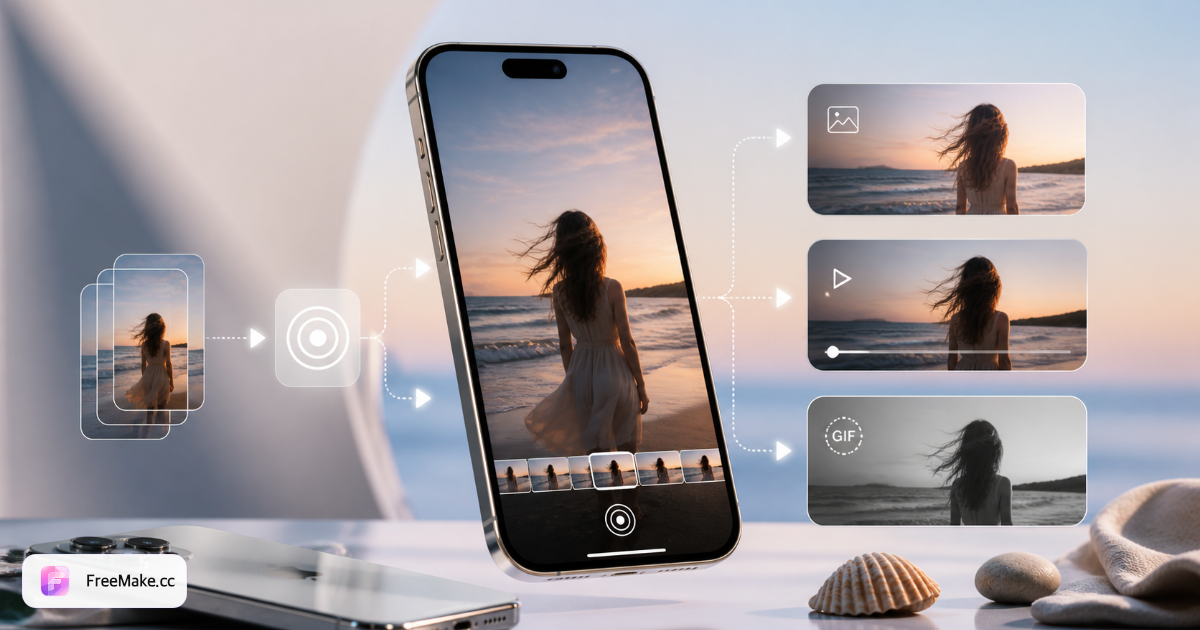
Video → Live Photo workflow checklist
| Step | Input | Output | Duration | Tip |
|---|---|---|---|---|
| 1. Trim source clip | Any MP4 / MOV | 3–15 s segment | 9:16 or 1:1 | Cut before converting |
| 2. Convert in browser | Trimmed video | Live Photo package | Pick key still frame | FreeMake.cc Video to Live Photo |
| 3. Import to iPhone | Downloaded file | Photos library entry | AirDrop or cable | Keep Live pair intact |
| 4. Set lock screen | Imported Live Photo | Dynamic wallpaper | Pinch to fit | Settings → Wallpaper |
| 5. Share cross-platform | Live Photo | MP4 or GIF | If Android needed | Live Photo to video tool |
Step-by-step: video to iPhone Live Photo
Travel clip → dynamic lock screen wallpaper
You filmed waves or city lights but iPhone only offers still photos from the video when setting wallpaper.
- In Photos, trim the clip to the best 5–10 seconds (Share → Save Video if needed).
- Open Video to Live Photo on FreeMake.cc and upload the trimmed MP4 or MOV.
- Scrub the preview and select the key still — the frame shown before press-and-hold.
- Download, AirDrop to iPhone, then Settings → Wallpaper → Add New Wallpaper → Live Photo.
Screen recording or meme clip as Live Photo
A funny screen capture or meme video should animate on your lock screen, not sit in Files as MP4.
- Crop to square or 9:16 in your editor if the recording has UI chrome you don't want.
- Keep the loop under 12 seconds so motion stays readable at thumbnail size.
- Convert and verify motion in the browser preview before downloading.
- Import to Photos; disable Perspective Zoom if edges clip after setting wallpaper.
Android friend's video on your iPhone
They sent an MP4 via messaging app; you want it as Live Photo, not a flat video in camera roll.
- Save the MP4 to Files or Photos on iPhone.
- Upload to Video to Live Photo — no need to transfer to a PC.
- Pick a key frame where the subject is centered for the lock screen still.
- Set as wallpaper; for sending back, use Live Photo to video so Android can play it.
Saved GIF loop → Live Photo wallpaper
You downloaded a GIF meme but iOS won't import GIF directly as a Live Photo lock screen.
- Optional: trim to 3–8 seconds if the GIF is long.
- Use GIF to Live Photo on the Live Photo hub — builds the still + video pair.
- If you only have MP4, skip this path and use Video to Live Photo instead.
- Import and set wallpaper; see the complete Live Photo guide for format basics.
5 video-to-Live-Photo mistakes
Uploading a 60-second vacation clip unchanged
Live Photos use a short motion loop. Trim to the best 3–15 seconds first — long files convert slowly and motion feels sluggish on the lock screen.
Wrong key frame for the lock screen still
The still shown before press-and-hold comes from one frame in the clip. Scrub the preview and pick a sharp frame — not a motion-blurred mid-swing shot.
Expecting WhatsApp to preserve Live Photo motion
Most messengers strip the video component. Convert to GIF or MP4 for chat; use Live Photo only for iPhone wallpaper or AirDrop to another iPhone.
Black bars after setting wallpaper
Aspect ratio mismatch — crop to 9:16 vertical or square before converting. iPhone lock screens crop aggressively on tall phones.
Paying for a single conversion app
One-off clip conversions don't need subscriptions. Browser tools handle MP4 → Live Photo free with no signup for occasional wallpaper updates.
Video to Live Photo FAQ
- Can I turn any MP4 into an iPhone Live Photo?
- Yes, if you trim to a short segment (about 3–15 seconds) and convert with a Live Photo–compatible tool. TikTok exports, screen recordings, and camera roll clips all work.
- How long should the video be?
- Aim for 3–15 seconds of the best continuous motion. Shorter loops feel snappier on the lock screen; longer clips may be trimmed automatically.
- Do I need a Mac or third-party app?
- No. FreeMake.cc runs in Safari or Chrome on iPhone or desktop — upload, convert, download, then AirDrop to your phone. No App Store install required.
- Will Live Photo wallpaper drain battery?
- Apple optimizes Live Photo wallpapers with subtle motion. Very busy clips with rapid flashing may use slightly more power — prefer gentle movement.
- Can Android phones use the same file?
- Android doesn't support Apple Live Photos natively. Export MP4 with Live Photo to video for Android sharing, or GIF for web previews.
- Video from TikTok or Instagram — does it work?
- Save the clip to your camera roll first (respect copyright). Remove watermarks if needed, trim to the loop you want, then convert — square or vertical both work.
- How is this different from a GIF wallpaper?
- Live Photos integrate with iOS lock screen press-and-hold and Focus modes. GIFs don't set as native Live wallpapers — convert GIF to Live Photo if that's your source.
Convert video to Live Photo free
Upload MP4 or MOV, pick the key frame, download for iPhone lock screen — no signup.
Related reading
- How to Convert GIF to Live Photo (iPhone)
Turn an animated GIF into an iPhone Live Photo ZIP (JPG+MOV). Browser steps, AirDrop import, and lock-screen tips—permanent free on FreeMake.cc.
- Live Photo Complete Guide — Create, Convert & Export
Live Photos capture a few seconds of motion around a still frame. This guide explains formats, device limits, and when to use FreeMake.cc tools instead of paid apps.
- HEIC to JPG Guide — Fix iPhone Photos That Won't Open
HEIC saves space on iPhone but breaks on Windows PCs, Android previews, and most marketplace uploads. Convert locally to JPG — no upload, batch 10 photos.