
Live Photo Tools — Free Online Converter Hub
Split or rebuild iPhone Live Photos from .livp exports—turn GIFs and videos into Live Photo ZIPs, all locally in your browser.
- Convert exported .livp or HEIC+MOV pairs to GIF, MP4, or ZIP
- Create Live Photos from GIF, MP4, or still photos
- Honest browser limits—see upload tips on each tool page
- Free
- Online
- Local processing
- No watermark
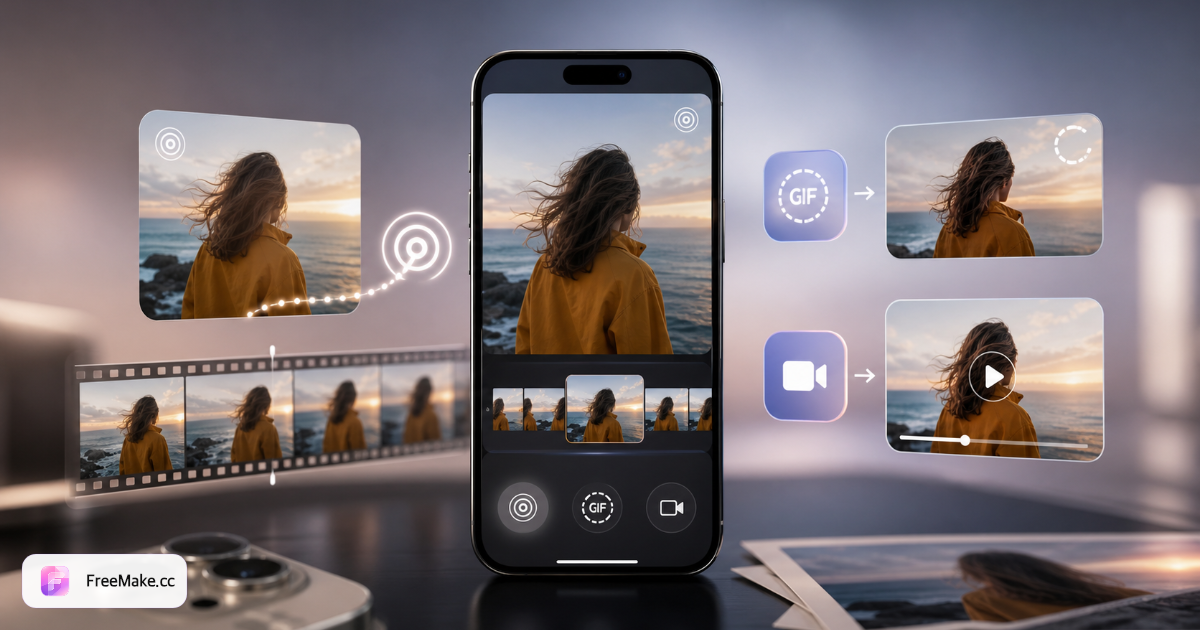
Live Photo to GIF
Turn exported .livp or HEIC+MOV pairs into looping GIF or WebP.
Open toolGIF to Live Photo
Convert animated GIFs into iPhone-compatible Live Photo ZIP.
Open toolLive Photo to Video
Extract MOV motion as MP4, MOV, or WEBM for editors.
Open toolVideo to Live Photo
Make a Live Photo from any MP4 or MOV with a custom cover frame.
Open toolImage to Live Photo
Add Ken Burns motion to still photos and export iPhone Live Photo ZIP.
Open toolImportant: browser & iPhone limits
- Live Photo → GIF/Video: browsers cannot read a native iPhone Live Photo from the Photos picker—you usually get only the still image, not the MOV track.
- For conversion tools, use .livp, paired HEIC/JPG + MOV, or MOV from Mac Photos export or the Files app.
- GIF/Video/Image → Live Photo: upload works from phone galleries, but the ZIP must be imported to iPhone via AirDrop, Mac Photos, or a third-party app.
- Web apps cannot write Live Photos directly into the iOS camera roll.
- All tools load FFmpeg locally (~25MB on first use). Older phones may need more time.
- See each tool page for detailed upload and import steps.
How Live Photo Center works
Upload
Drop a .livp archive, paired HEIC+MOV, GIF, or MP4.
Convert
FFmpeg in your browser extracts motion and rebuilds the format you need.
Download
Save GIF, MP4, MOV, or a Live Photo ZIP ready for iPhone import.
Live Photo Center FAQ
- What is a Live Photo?
- A Live Photo pairs a still image (HEIC/JPG) with a short video clip (MOV). iPhone captures both together; our tools split or rebuild that pair.
- Do you upload my files?
- No. Conversion runs locally in your browser with FFmpeg WebAssembly. Files never leave your device.
- Which formats are supported?
- Input: .livp, HEIC+MOV pairs, MOV, MP4, GIF. Output: GIF, animated WebP, MP4, MOV, WEBM, and Live Photo ZIP.
- Will Live Photos work on my iPhone after conversion?
- GIF→Live Photo and Video→Live Photo export a ZIP with matching JPG+MOV and Apple content identifiers. Import via Files or AirDrop to Photos.
- Can I upload a Live Photo straight from iPhone Photos?
- Usually no for Live Photo → GIF/Video—the Photos picker gives only the still frame. Export .livp or HEIC+MOV first, or use GIF/Video/Image → Live Photo tools when you only have those sources.
- How do I import a Live Photo ZIP back to iPhone?
- Download the ZIP, unzip JPG+MOV, then AirDrop to Mac and import via Photos, or use a third-party Live Photo app. Browsers cannot save directly into the camera roll.
New to Live Photo?
Read the complete guide — formats, iPhone limits, and which converter to use for each workflow.
Animate stills with AI video
After Live Photo conversion, turn product shots or portraits into short MP4 clips — same browser workspace, no login.