
MAI-Image-2.5New

MAI-Image-2.5 Free Online — Microsoft AI Image Generator

  • Microsoft's strongest MAI image model: sharper text rendering, commercial-grade product imagery, and precise localized edits.
  • Ranks No. 3 on Arena text-to-image and No. 2 on image editing (June 2026).
  • Not yet available in the FreeMake generator — integration is in progress.

What is MAI-Image-2.5?

MAI-Image-2.5 is Microsoft's latest text-to-image and image-editing model from the MAI Superintelligence Team, launched at Microsoft Build 2026. It improves text rendering, stylized illustration, and commercial imagery over MAI-Image-2, with fine-grained edits that preserve the rest of the scene. When integrated, FreeMake will route requests server-side via APIMart.

Sharper text rendering

Large gains on in-image typography for posters, packaging, and UI mockups.

Commercial imagery

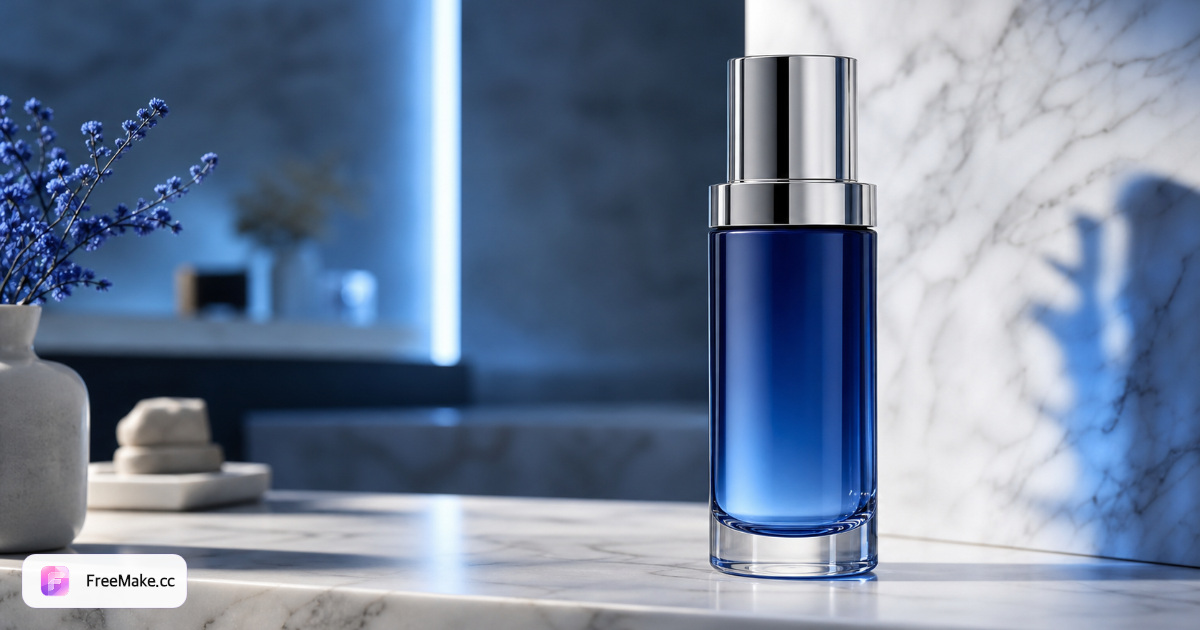
Product shots, brand assets, and marketing visuals with coherent lighting and materials.

Precise editing

Replace objects, update text, or remove blur locally without disturbing the full frame.

Identity consistency

Preserves facial likeness across pose, expression, and viewpoint changes.

Popular MAI-Image-2.5 use cases

Built for production creative workflows, not just one-off demos.

  • Marketing & ads

    Hero visuals, campaign key art, and layout-ready compositions with readable text.

  • E-commerce

    Packaging, product-on-white, and lifestyle scenes for storefronts and marketplaces.

  • Illustration & anime

    Stylized and cartoon directions with stronger prompt adherence than MAI-Image-2.

  • Photo retouching

    OneDrive-style edits: remove distractions, clean backgrounds, enhance while keeping scene context.

How to use MAI-Image-2.5 (when available on FreeMake)

What to expect once the model is wired into our generator.

  1. Read this guide

    Compare capabilities, benchmarks, and alternatives before you create.

  2. Draft your prompt

    Describe subject, style, lighting, and any text that must appear in the image.

  3. Plan references (optional)

    Image-to-image and controlled edits will use reference uploads when supported.

  4. Generate on FreeMake

    When MAI-Image-2.5 appears in the workspace model list, pick it and export like other models.

MAI-Image-2.5 vs other AI image models

Pick the engine that matches your task.

ModelBest for
MAI-Image-2.5 (this page)
Microsoft flagship for text-in-image, commercial shots, and surgical edits with identity preservation.
GPT Image 2
OpenAI's latest — also strong on typography; compare side by side on FreeMake.
Gemini 3.1 Flash
Faster, lower-credit iteration before finals on a premium model.
Imagen 4
Google photoreal line — cinematic stills and natural materials.

MAI-Image-2.5 FAQ

Microsoft MAI-Image-2.5 and FreeMake.cc overview.

  1. When was MAI-Image-2.5 released?

    Microsoft announced MAI-Image-2.5 on June 2, 2026 at Build, with availability in Microsoft Foundry and partners such as OpenRouter.

  2. Does it support image editing?

    Yes — image-to-image editing with localized control and preservation of the rest of the image is a core capability.

  3. How does it rank on Arena?

    At launch it ranked No. 3 for text-to-image and No. 2 on the image-editing leaderboard (June 2026 benchmarks from Microsoft).

  4. What about MAI-Image-2.5-Flash?

    Flash is a faster, lower-cost sibling in Foundry. This page focuses on the full-quality MAI-Image-2.5 model.

  5. Can I use it on FreeMake.cc today?

    Not yet — the model is documented here for SEO and comparison. We will add it to the generator when APIMart integration is ready.

  6. Chinese prompts?

    English prompts are recommended for MAI models; for Chinese text inside images, Qwen Image 2.0 remains a strong alternative.

  7. vs GPT Image 2?

    Both excel at text and commercial work — generate with both on FreeMake and pick the output you prefer.

  8. Commercial use?

    Review FreeMake Terms and your API provider plan for commercial rights.

Create for free on FreeMake.cc

1K without signup — your first image in under a minute.

MAI-Image-2.5 Free Online — Microsoft AI Image Generator